

Author: Ron Daniel
Best mobile apps for clocking in and out with GPS verification
Compare five mobile GPS time clock apps with geofencing, payroll-ready timesheets, and scheduling to cut payroll errors for field teams.
Most payroll mess starts with one small miss: a late punch, an off-site clock-in, or a manager trying to piece together a shift from memory. I’ve seen that spiral fast at Pebb.io, especially with field crews, retail teams, and staff moving between job sites in the same day.
That’s why GPS time clock apps matter. When each punch includes a time stamp, map pin, and geofence check, teams get cleaner records, fewer disputes, and less payroll cleanup. In the U.S., even a small payroll error rate can turn into hours of admin work by the end of the month.
Based on what we see every day, I’d focus on five things: GPS stamps, geofencing, mobile clock-in/out, payroll-ready timesheets, and compliance support. Below, I’ll walk through the apps that stand out, where each one fits, and the trade-offs I’d watch before you pick one.
1. Pebb
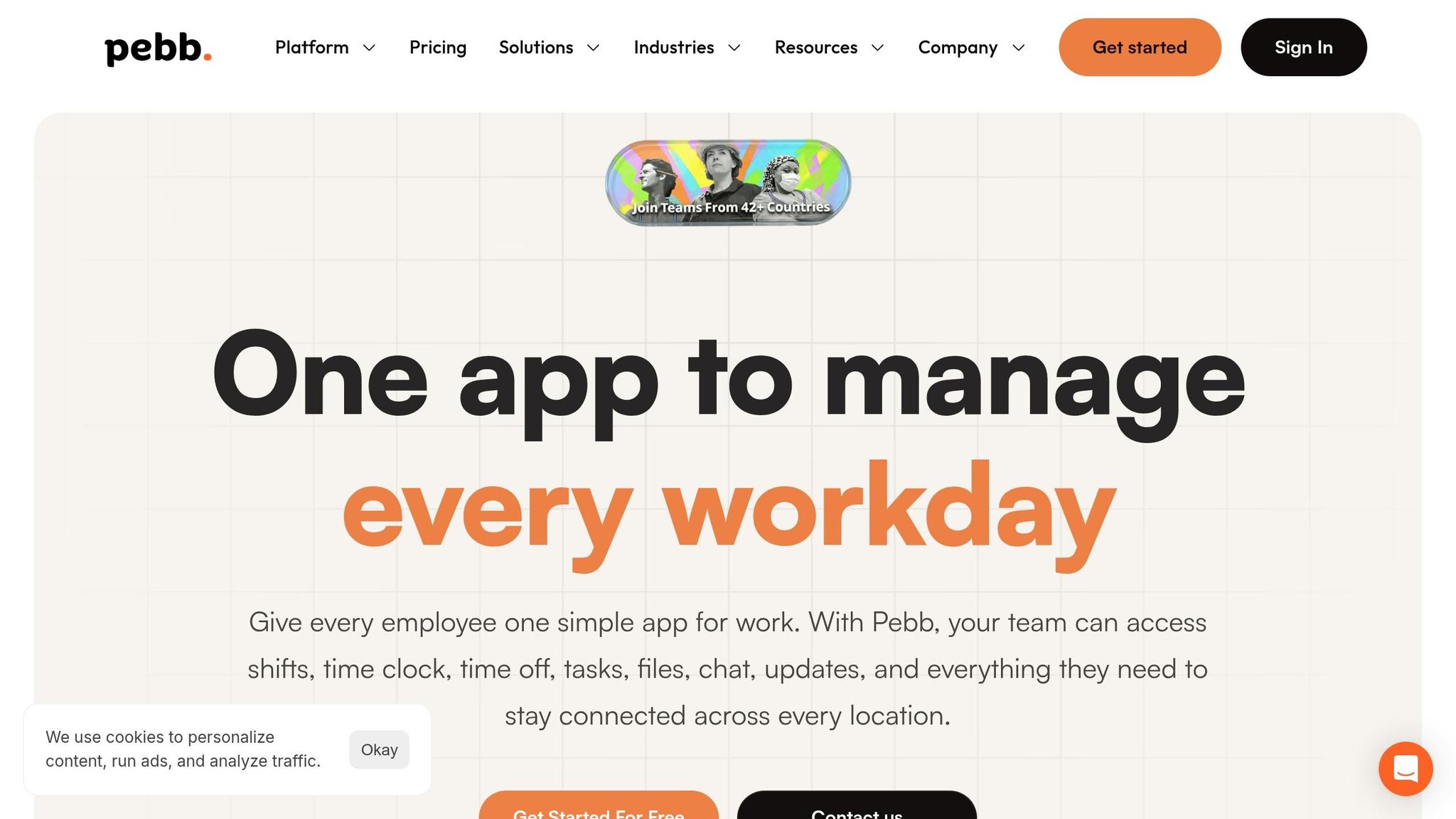
The first time I watched a manager chase down a bad time entry across two job sites, I remember thinking, there has to be an easier way than this. At Pebb, that’s the problem we’ve worked hard to fix.
Pebb brings together GPS-verified time tracking, shift scheduling, PTO management, and team communication in one mobile app. In plain English: we help teams clock in from the right place, stay on schedule, and send cleaner hours to payroll without juggling five different tools.
GPS Verification
Here’s how we handle punches inside Pebb.
When an employee clocks in through the Pebb mobile app, we capture their GPS location, date, and time automatically. On the manager side, each punch shows up pinned to a map in the dashboard, so on-site checks are fast and clear.
For teams spread across more than one branch or job site, we let you set up separate Spaces for each location and turn on the Geo Location toggle so GPS is captured at both clock-in and clock-out. We also support geofencing, which lets managers limit clock-ins to employees who are physically inside the job-site radius. That helps cut down off-site punches and buddy punching.
We learned early on that edits matter too. If an employee needs a fix, we recommend using manual edits only for corrections and requiring a note. That small habit can save a lot of back-and-forth later.
Scheduling and Payroll
One thing I like most about Pebb is that scheduling and time tracking don’t live in separate worlds.
Our built-in shift scheduler uses the same time and location data as time tracking. Managers can assign employees to specific shifts and locations, publish schedules to the mobile app, and then check whether each clock-in was on time, early, or late - and whether the punch happened inside the geofence. That makes it much easier to catch cases where someone clocked in at the wrong store.
From there, clock-in and clock-out data flows into digital timesheets that break down:
regular hours
overtime
job-site labels
Managers can review, edit, and approve timesheets before export to payroll. Pebb also supports integrations with major U.S. payroll systems like ADP, Gusto, and QuickBooks, plus CSV exports. And if your crew works in low-connectivity areas, attendance data syncs automatically once they’re back online.
That means cleaner records before payroll review, which is where a lot of teams usually feel the pain.
Compliance Support
We also support overtime rules, break reminders, and maximum shift lengths. If someone misses a break or works a long shift, Pebb flags it before payroll runs.
That heads-up can make a big difference when managers are reviewing hours at the end of a busy week.
All-in-one value
This is the part I think frontline teams feel right away: they don’t just get a time clock.
Inside Pebb, work chat, a news feed, voice and video calls, PTO management, tasks, and a people directory are all included. Every time entry comes with a GPS-verified timestamp, which gives teams clear records for audits, billing disputes, or investigations. The goal is simple: better time accuracy, fewer buddy punches, and cleaner shift start and end records.
For pricing, Standard is free for up to 15 users, and Premium starts at $4 per user per month. From what I’ve seen, that makes Pebb a smart fit for small to mid-sized frontline teams that want one app to handle the day-to-day without making things messy.
2. QuickBooks Time
I’ve seen this play out a lot with field teams: time tracking sounds simple until payroll day hits, a manager is chasing missing hours, and someone’s asking whether a crew ever made it to the site in the first place. That’s where QuickBooks Time starts to make sense.
At Pebb.io, we spend a lot of time thinking about how teams work when they’re out in the field, not behind a desk. And QuickBooks Time is one of those tools that fits that world pretty well. Its mobile app, QuickBooks Workforce, logs GPS at clock-in, clock-out, and during shifts. For mobile crews, that means managers aren’t just looking at hours on a sheet. They’re looking at where the work happened and how that ties back to dispatch and payroll.
GPS Verification
One part I like is the Who's Working map view. Managers can see the live locations of employees who are on the clock, which helps when a last-minute job comes in and you need to send the closest tech. It also helps confirm that a crew arrived at the right site, especially when people move between multiple job sites in a day.
Here’s the catch: geofencing is only included in the Elite plan. So if you want automatic location-based reminders and tighter site checks, you’ll need to pay for that tier. GPS points are stored only while employees are clocked in. That matters because the whole point is to connect paid time with actual job-site presence, not track people after hours.
Scheduling and Payroll
This is where QuickBooks Time gets stronger. Scheduling ties straight into time tracking, so managers can assign shifts or jobs and then compare scheduled hours with actual hours worked. That may sound small, but if you’ve ever had to sort through messy timesheets by hand, you know it saves a lot of headaches.
The biggest upside is its integration with QuickBooks Online and QuickBooks Payroll. Timesheets move into payroll with less manual entry, which usually means fewer mistakes. QuickBooks Time says GPS-backed time data can cut payroll costs by more than 4%. From a manager’s side, the win is simple: cleaner payroll and less time spent fixing bad entries.
Compliance Support
QuickBooks Time also covers the nuts and bolts that payroll and HR teams care about: overtime tracking, break rules, time rounding, timesheet approvals, and an audit trail. When someone disputes hours or claims off-the-clock work, that record can make a big difference.
I’ve learned that teams don’t always think about this stuff until there’s a problem. Then suddenly, having a solid paper trail feels like a lifesaver.
Total Platform Value
The pricing follows a base-fee-plus-user model:
Premium: about $20/month + $10 per user/month. This includes mobile time tracking, GPS location tracking, scheduling, and payroll and invoicing features.
Elite: about $40/month + $12 per user/month. This adds geofencing, mileage tracking, timesheet signatures, and project tracking.
In my experience, that price can feel steep for small teams that just want basic GPS clock-in and clock-out. But for teams already using QuickBooks, or for crews that need geofencing and mileage logs, it’s a much better fit. I’m thinking about teams like HVAC, construction, or delivery, where location records and payroll tie-ins aren’t just nice to have. They’re part of how the day runs.
3. Connecteam
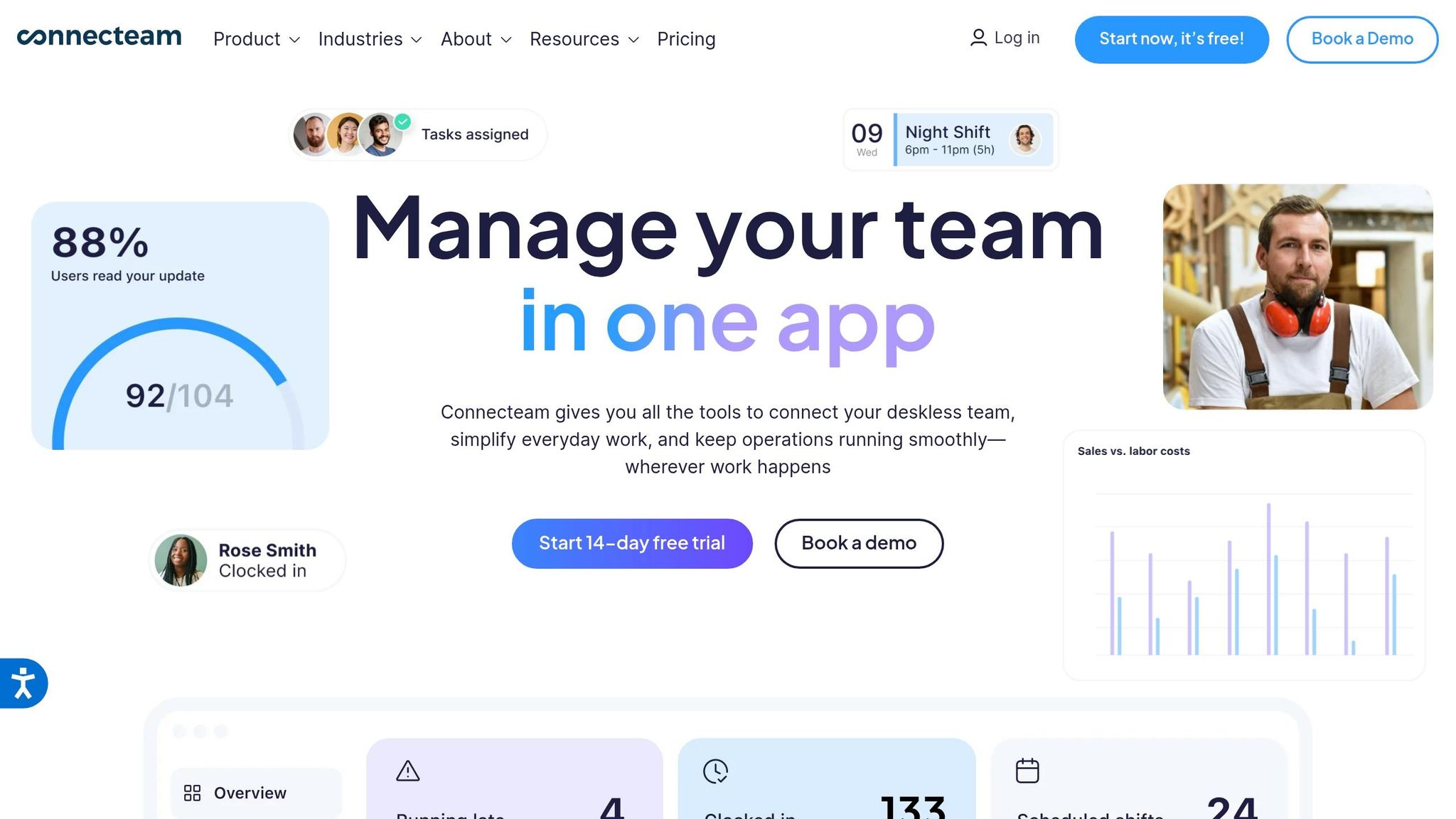
I’ve seen this pattern a lot when teams compare tools at Pebb.io: QuickBooks Time tends to shine in payroll-heavy setups, while Connecteam feels more built for the day-to-day grind of field work. If your team lives on job sites, in trucks, or out in the field instead of behind a desk, that difference shows up fast.
Connecteam is a mobile-first workforce management platform for non-desk teams, and GPS verification sits right at the center of the setup. In plain English, if QuickBooks Time is strongest in payroll workflows, Connecteam is stronger on daily field coordination.
GPS Verification
Here’s where Connecteam starts to earn its keep. Every punch gets stamped with GPS, so managers can check where a shift started and ended and cut down on buddy punching.
We’ve learned the hard way that “trust but verify” matters a lot with field teams. Connecteam lets managers draw geofences around job sites, so employees can only clock in when they’re physically inside the approved area. You can also set auto clock-out rules for when workers leave that geofence.
For mobile crews, there’s also a live location trail that gives managers a visual record of movement during a shift. That kind of site control gives teams a clear view of whether the right people are in the right place.
Scheduling and Payroll
Let me tell you what happens next: those GPS-verified punches don’t just sit there. They flow right into scheduling and timesheets.
Managers can build single, recurring, or team-based schedules with templates, and employees can check their live schedule in the same app they use to clock in. That sounds small, but in the field, having everything in one place cuts a lot of confusion.
Hours then move into digital timesheets that calculate daily and weekly totals, including overtime. From there, teams can export data to QuickBooks Online, Gusto, Xero, and ADP. That makes it easier to spot mistakes before payroll closes, instead of scrambling at the last minute.
Compliance Support
This is the part many teams ignore until something goes wrong.
Connecteam supports break rules, overtime thresholds, and double-time calculations for federal and state requirements. It also carries HIPAA, SOC 2 Type II, and ISO 27001 certifications. On top of that, alerts flag potential issues before payroll runs, which gives managers a chance to catch problems early.
Total Platform Value
Pricing is pretty straightforward.
The Basic plan starts at $29/month with annual billing for up to 30 users. It includes the GPS time clock, basic scheduling, forms, chat, and training.
The Advanced plan starts at $49/month with annual billing for the first 30 users. It adds geofencing for up to 10 sites, repeating shifts, and more automation.
Higher tiers add unlimited geofence sites and API access, and extra users beyond the first 30 are billed per user, with lower rates on annual plans.
If I were looking at Connecteam from an operator’s seat, that’s the main pitch: it’s not just about tracking hours. It’s about keeping field teams organized while tying location, scheduling, and payroll data together in one app.
4. Jibble
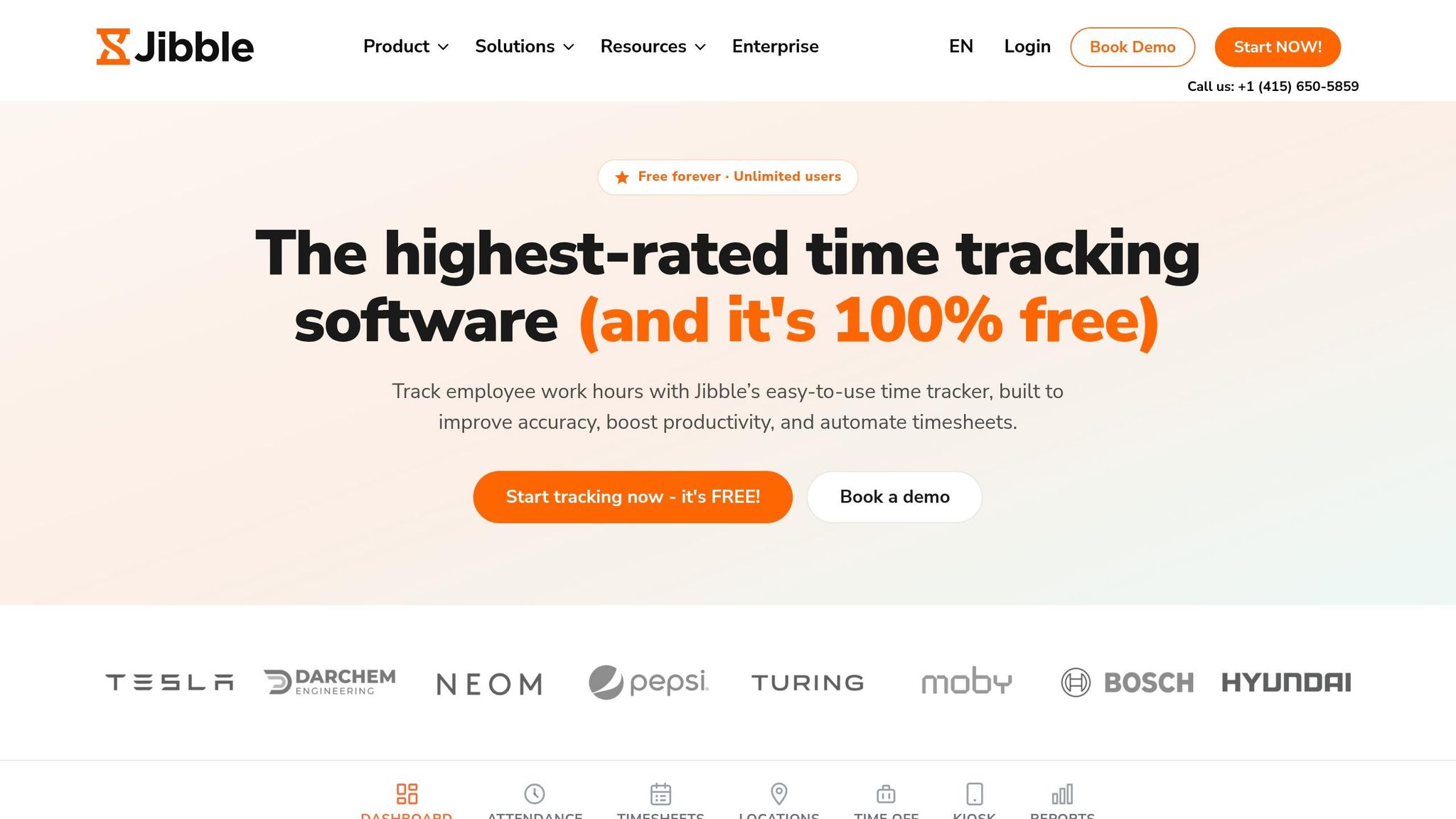
I’ve seen teams go down a rabbit hole with workforce software. They start out saying, “We just need a clean way to track time,” and six demos later, they’re knee-deep in tools they may never use.
That’s where Jibble tends to stand out.
From my seat at Pebb.io, I’d describe Jibble as a lean, mobile-first time tracker built for teams that want GPS-checked clock-ins and payroll-ready attendance without a lot of admin work. While we at Pebb.io cover a much broader mix of communication and scheduling, Jibble stays in its lane. It’s focused on time tracking and attendance. So if I were comparing the two, I’d say the big thing to look at is how tightly Jibble links each punch to a location.
GPS Verification
Here’s the thing: Jibble’s main pitch is pretty straightforward. It helps cut down on disputed punches, makes shift start and end times easier to verify, and gives payroll cleaner hour data.
Every punch can include a GPS stamp, so managers get a clear record of where it happened. Jibble stamps each punch with GPS and can block clock-ins outside an approved geofence. It can also auto clock employees in or out when they enter or leave that zone.
That matters more than it sounds on paper.
I’ve worked with teams where a manager had to spend part of every Friday checking whether people were actually on-site when they clocked in. That gets old fast. Jibble tries to remove that manual step. It also supports offline GPS tracking, so if someone loses signal, the clock-in can sync once they’re back online. On top of that, it includes AI facial recognition to help curb buddy punching.
If your crew needs tight job-site rules, I’d test those geofence settings carefully before rolling them out across the board.
Scheduling and Payroll
Jibble includes schedules, shift assignments, automated timesheets, overtime and break rules, approvals, and integrations with QuickBooks Online, Xero, Gusto, and Deel.
That gives managers a decent path from clock-in to payroll without too much extra work. It won’t feel like a giant all-in-one hub, but for teams that want time tracking first, that narrow focus can be the whole point.
Compliance Support
For U.S. employers, Jibble covers break tracking, overtime visibility, edit history, and audit logs to support policy enforcement and resolve time disputes.
I’ve learned the hard way that when a time dispute shows up, the problem usually isn’t the payroll run itself. It’s the missing trail behind it. Edit history and audit logs can save a manager a lot of stress when someone says their hours were changed or a break was missed.
Total Platform Value
Jibble’s free plan is $0 for unlimited users and includes GPS and facial recognition.
Its Premium plan runs about $3.49 to $4.99 per user/month on annual billing and adds scheduling, leave management, and more granular early/late clock-in controls. Ultimate runs about $6.99 to $7.99 per user/month annually and adds live location tracking, advanced break rules, and more automation.
If I were advising a manager who just wants clean attendance records without loading up on extra modules, I’d say this is why Jibble keeps coming up. It stays tight on the core use case and gives teams a low-cost entry point.
Next: Deputy, which leans harder into scheduling and workforce coordination.
5. Deputy
I’ve seen this pattern a lot on frontline teams: time tracking starts as the main problem, then scheduling turns out to be the bigger headache.
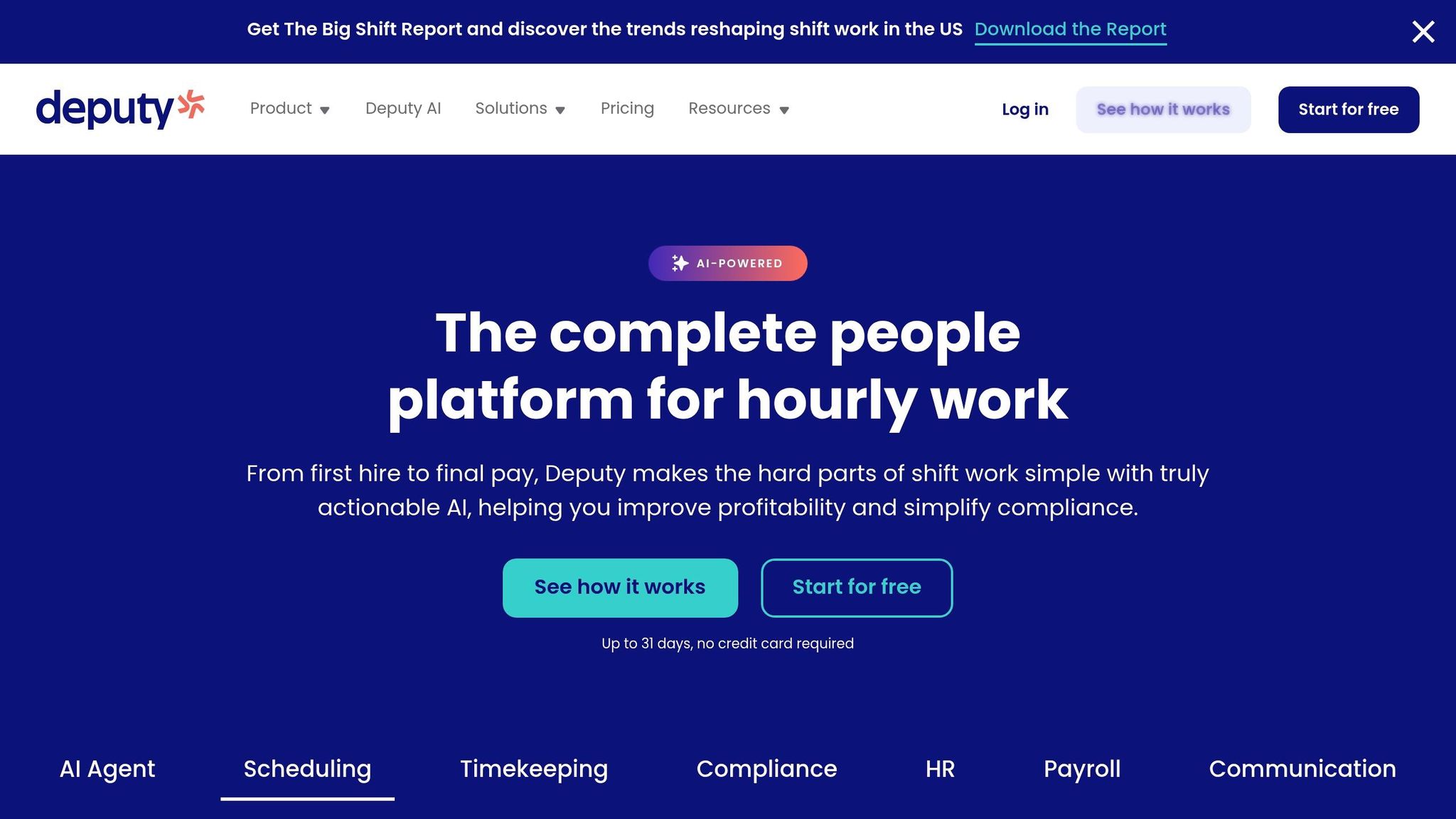
That’s where Deputy usually comes into the picture. If Jibble feels like the lean time-tracking pick, Deputy is the scheduling-heavy option. It’s a scheduling-first workforce management app built for shift-based teams in restaurants, retail, healthcare, hospitality, and cleaning. You get GPS-verified clock-ins, payroll-ready timesheets, and tools that help with rules around shifts and breaks.
From my seat at Pebb.io, I’d put it this way: Deputy is more narrow than our free all-in-one communication and scheduling hub. It leans hard into workforce management. For managers, that can mean fewer off-site punches and cleaner shift records.
GPS Verification
Deputy’s mobile time clock records an employee’s location when they clock in and clock out, and managers can set a geofence around each job site. If someone tries to punch in outside that area, the app blocks the punch.
That matters more than people think. I’ve watched teams lose hours every week just fixing bad punch data. A setup like this helps cut that mess down.
The geofence radius can be set from 100 to 1,000 yards, which gives managers room to fit a small store or a larger worksite. Deputy also supports clock-ins from phones, tablets, and Apple Watch.
Managers can then sort timesheets by person or location to check who worked where.
Scheduling and Payroll
Here’s the thing: Deputy works best when schedule and time tracking need to stay tightly linked.
Employees clock in to scheduled shifts, and the system can flag early arrivals, late punches, missed shifts, and punches made outside a set work location. On Core and Pro, AI auto-scheduling and demand forecasting help when staffing needs change.
I’ve seen why that matters. When a team is short-staffed on a Friday or overbooked on a Tuesday morning, managers don’t want to rebuild the week by hand.
Deputy also connects with ADP, Gusto, Xero, and QuickBooks, so approved timesheets can move into payroll with less manual re-entry.
Compliance Support
Deputy builds schedules around break laws and staff certifications. That helps teams keep records on when and where employees worked, which is useful for wage-and-hour compliance.
If you manage shifts across different roles or locations, that paper trail can save a lot of cleanup later.
Total Platform Value
Deputy Lite starts at $5 per user/month, Core at $6.50, and Pro at $9. Monthly plans come with a $30 minimum spend.
My quick read: choose Deputy if scheduling depth matters more than a lightweight time clock. It’s built for teams that want tighter control over shifts, punch data, and payroll flow.
Pros and cons at a glance

Best GPS Time Clock Apps Compared: Features & Pricing (2024)
I’ve seen this play out over and over at Pebb.io: two tools can look similar on the surface, then you get into pricing, locked features, and day-to-day use, and the gap gets obvious fast.
That’s the big story here. The biggest differences come down to what each app includes out of the box and what you have to pay extra to get.
Here’s the at-a-glance comparison.
App | Pros | Cons | Best For | Starting Price (USD) |
|---|---|---|---|---|
Pebb | All-in-one app for GPS-verified time tracking, scheduling, and communication; free for up to 15 users. | Premium-only features include voice and video calls. | Frontline and mixed teams that want GPS clock-in, scheduling, and communication in one place | Free (up to 15 users); $4/user/month on Premium |
QuickBooks Time | Strong GPS, geofencing, and QuickBooks payroll/invoicing integration. | Best for QuickBooks users; geofencing requires the Elite tier. | Field-service businesses already using QuickBooks for payroll and invoicing | ~$20/month base + ~$10/user/month (Premium) |
Connecteam | GPS stamps, geofencing, live tracking on higher tiers, plus scheduling and task tools. | Pricing grows more complex beyond 30 users; advanced location controls require higher tiers. | Operations managers running mobile crews across multiple job sites | ~$29/month for up to 30 users (Basic, billed annually) |
Jibble | Generous free plan, GPS time tracking, facial recognition, and low-cost paid tiers. | Free plan is limited to 2 geofences and 1 work schedule; no built-in team chat or news feed. | Teams that want low-cost GPS-verified time tracking | Free; paid plans from ~$4/user/month (annual) |
Deputy | Strong scheduling, GPS-verified clock-ins, geofencing, and payroll integrations. | GPS verification and geofencing locked to higher tiers; no built-in chat or knowledge tools. | Hospitality, retail, and healthcare teams that need scheduling and GPS-verified time tracking | ~$6.50/user/month (Core) |
Here’s the thing: if you just need GPS time tracking at the lowest cost, Jibble will catch your eye. If your whole back office already runs on QuickBooks, QuickBooks Time will make more sense. And if scheduling sits at the center of your operation, Deputy and Connecteam both bring more to that part of the job.
From my seat at Pebb.io, I’d put it this way: teams usually don’t struggle because they lack one feature. They struggle because they need time tracking, scheduling, and team communication to work together without piling on extra apps or bumping them into a higher plan too soon.
That’s why these trade-offs make the final recommendation straightforward.
Conclusion
I’ve sat through enough buyer calls at Pebb.io to know this part is where people stop comparing feature grids and start thinking about their actual workday.
And honestly, that’s the right move.
After looking at these five apps side by side, the choice comes down to workflow, payroll, and compliance needs more than anything else.
If you want GPS-verified clock-ins, shift scheduling, and team communication in one app, Pebb is the best fit. That’s a big reason I’m proud of what we’ve built. We wanted one place where frontline teams could clock in with more confidence, manage shifts, and stay in sync without bouncing between tools. Pebb also gives teams a free all-in-one option and a premium plan at $4 per user. From what I’ve seen, it works especially well for frontline teams that want cleaner punch records, smoother handoffs, and less app sprawl.
QuickBooks Time makes the most sense when your accounting and payroll setup already lives inside QuickBooks. In that case, keeping time tracking close to payroll can save a lot of friction.
Connecteam is a stronger pick for mobile crews working across several job sites, mainly when live location visibility during a shift matters. If you’re running deskless teams and need scheduling, tasks, and location visibility in one place, it’s a solid option.
Jibble stands out when budget is tight and hard geofence controls matter most. Its free tier includes unlimited users, GPS tracking, and limited geofencing. Paid plans add unlimited geofences and facial recognition.
Deputy is a better fit for restaurants, retail, and healthcare teams that deal with more involved scheduling and compliance controls.
Here’s the thing: the best pick depends less on how many boxes a tool checks and more on how your team actually works day to day.
Pick Pebb for all-in-one communication and GPS time tracking
Pick QuickBooks Time for QuickBooks-heavy payroll
Pick Connecteam for mobile crews
Pick Jibble for low-cost GPS enforcement
Pick Deputy for scheduling-first operations
When I talk to teams, I usually tell them to focus on three simple outcomes: better time accuracy, fewer buddy punching issues, and shift start and end records you can trust without second-guessing them.
If your team wants the broadest frontline communication stack at the lowest price, Pebb is the most complete starting point.
FAQs
How does GPS verification actually stop buddy punching?
I’ve seen this problem up close at Pebb.io. On paper, time tracking can look fine. Then you dig a little deeper and spot the leak: someone clocked in from the parking lot, from down the street, or in some cases, for a coworker who wasn’t even there yet.
That’s where GPS verification starts doing the heavy lifting.
When we use GPS verification, we can confirm an employee is physically at their assigned job site when they clock in. It sounds simple, but it closes a big gap. Instead of taking a punch-in at face value, we can check whether that person was actually where they were supposed to be.
Here’s the thing: GPS on its own helps, but geofencing makes it tighter. We can set preset work areas and limit punch-ins to those zones. If someone tries to clock in from outside the approved area, the system blocks it.
I like this because it cuts down on buddy punching without turning the process into a headache for everyone else. The goal isn’t to make people jump through hoops. It’s to make sure the right person is clocking in from the right place.
We’ve also learned that location checks work best when they’re paired with identity checks. That’s why extra steps like these matter:
Photo clock-ins
Selfie verification
Unique PINs
Those checks help confirm the person clocking in is the scheduled employee, not a coworker doing them a favor.
Let me tell you what happened next when teams started stacking these checks together: the conversation changed. It stopped being “Can we trust this timesheet?” and became “Now we can see what’s actually happening.”
That shift matters a lot when you’re trying to run clean payroll and keep attendance rules clear across different job sites.
What should I look for in a GPS time clock app?
I learned this the hard way when I was helping teams at Pebb.io sort out time tracking for frontline staff. On paper, clocking in and out sounds simple. In the field? It can get messy fast.
What looked fine in the office started falling apart on job sites, in warehouses, and in low-signal areas. We’d see missed punches, clock-ins from the wrong place, and timesheets that took way too long to check before payroll. That’s when it became clear: if you’re picking a GPS time clock app, you need more than a basic timer.
Look for a GPS time clock app that gives clear visibility into frontline operations. Geofencing is a big one. It helps limit clock-ins to approved work areas, which cuts down on buddy punching and location mistakes.
Here’s the thing: not every team works in places with strong service. That’s why offline sync matters so much. If someone clocks in from a basement, a remote site, or a spot with weak signal, you still want clean and accurate records once the device reconnects.
I’d also make sure the app gives you audit-ready timesheets and payroll integrations. Let me tell you what happened next when teams skipped that part: managers ended up fixing time entries by hand, chasing errors, and wasting hours before each payroll run. It’s a headache you can avoid.
A few other tools make day-to-day management much easier:
Shift scheduling to keep coverage clear
Break tracking to log time away from work
Automated overtime alerts to help with compliance and cut back on surprise labor costs
When those pieces work together, managers spend less time checking spreadsheets and more time running the team.
Can GPS time clock apps work without cell service?
I’ve seen this come up more than once at Pebb.io, especially with teams working in basements, job sites, warehouses, or rural areas where the signal drops off a cliff.
Yes, GPS time clock apps can still work without cellular or internet service. At Pebb, apps like Pebb store attendance data locally on the employee’s device while they’re offline.
Here’s the thing: the app doesn’t just give up because the connection disappears. It keeps the clock-in data on the device first. Then, when the phone gets back online, the app automatically syncs that data to the manager’s dashboard.
That means teams can still track time in places with poor or no coverage, without turning attendance into a mess. In my experience, that’s a big deal when you’re trying to keep records accurate and reliable across crews in the field.
