
Author: Ron Daniel
Best Clock In App for Employees in 2026
Compare seven clock-in apps—features, GPS, payroll, and pricing—to pick the right time-tracking tool for hourly and remote teams.
Have you ever spent hours untangling a mess of handwritten timesheets, only to realize half the entries don’t even add up? I’ve been there. Back when I was managing a small team, I thought paper tracking was “good enough.” That was until a payroll error almost cost us a key employee. It wasn’t just frustrating - it was expensive. And as businesses grow, those small inefficiencies snowball into massive headaches.
Here’s the kicker: U.S. companies lose $11 billion every year to time theft, and manual time tracking errors eat up another 1–8% of total payroll costs. That’s not just a rounding issue - it’s a profitability killer. In 2026, with hybrid teams and multi-location setups becoming the norm, sticking to outdated methods just doesn’t cut it anymore.
That’s why I’m excited to share what modern clock-in apps can do for you. These tools go beyond just tracking time - they handle GPS, automate overtime calculations, and sync directly with payroll. For small businesses, this can save up to 10 hours a week and cut labor costs by 2–5%. In this guide, I’ll walk you through seven of the best clock-in apps for 2026, including our own solution at Pebb. Whether you’re managing a team of 10 or 500, there’s something here for you. Let’s dive in.
1. Pebb Clock In
At Pebb, we’ve created a workforce platform that does it all - Clock In, scheduling, chat, and HR tools - all in one place. It’s designed to cut out the hassle of juggling separate time-tracking apps and systems, saving managers a ton of time and reducing those everyday headaches.
Clock-In Features
Clocking in with Pebb is as simple as it gets. Employees just open the app, pick their shift or location, and tap to start. Managers, on the other hand, get a real-time dashboard that shows who’s clocked in, on break, or absent. The system automatically handles everything from paid and unpaid breaks to overtime calculations and rounding rules, all tailored to your company’s policies. Plus, it’s equipped to handle FLSA compliance and tricky state-specific rules, like California’s daily overtime requirements. This level of automation can cut admin work in half.
Mobile Usability
We know frontline teams need flexibility, so Pebb was built with mobile in mind. Whether your employees are at a store, restaurant, or job site, they can clock in right from their iOS or Android devices - no shared terminals required. The app is super intuitive, with large buttons and minimal steps, making it easy for anyone to use, even if they’re not tech-savvy. And, of course, we stick to the familiar 12-hour time format.
GPS/Geofencing
For teams working across multiple locations, Pebb’s GPS and geofencing features are game-changers. When employees clock in or out, the app grabs a quick GPS snapshot. Managers can also set up geofences, ensuring clock-ins only happen within a specific radius of a worksite. This not only helps prevent buddy punching and time theft but also respects employee privacy by limiting location tracking to clock-in events. It’s a win-win that slides right into payroll integration.
Payroll Integration
Speaking of payroll, Pebb makes it effortless. Clock-in data flows straight into payroll systems - no manual exports or messy CSV files. We’ve made sure to integrate with top U.S. payroll providers like QuickBooks, ADP, and Gusto. Here’s how it works: employees clock in, managers approve timesheets, and hours sync automatically with payroll.
"A punch is recorded, the hours flow directly into payroll, and PTO balances are updated automatically. No more manual exports, no more CSV uploads, and most importantly, no more human error. This is where you actually get your time back."
This seamless process not only saves time but also eliminates costly mistakes, making payroll a breeze.
Our Standard plan, which is free for teams of up to 15 employees, covers all the core clock-in features. If you’re looking for more, our Premium plan is just $4 per user per month. It unlocks advanced payroll integrations, enhanced GPS tools, and more robust compliance options, making it one of the smartest investments for modern businesses.
2. Connecteam
Connecteam is a workforce management platform that’s made a name for itself, serving over 80,000 companies worldwide and earning the trust of more than 1,000,000 employees globally. It’s specifically tailored for deskless and frontline teams - think construction crews, retail staff, or healthcare workers - and its clock-in tool is built to meet the demands of these industries.
Clock-In Features
Employees can clock in using the mobile app, a web browser, or even an on-site kiosk via a tablet or iPad. One feature that stands out is "Switch Jobs", which makes it easy for employees to switch tasks or locations without having to clock out and back in. The platform also supports punch rounding (in 5–30 minute increments) and automates overtime and break management, helping businesses stay compliant with labor regulations.
Mobile Usability
Designed with mobile-first functionality in mind, Connecteam lets managers handle tasks like scheduling, approving PTO, and reviewing timesheets straight from their phones. The app has earned glowing reviews, with a 4.9/5 rating on the Apple App Store (45,000+ ratings) and 4.8/5 on Google Play (23,300+ ratings). However, there’s one catch: the app requires a stable internet connection, as there’s no offline mode. For on-site accuracy, the platform’s location tools further enhance its usability.
GPS/Geofencing
Connecteam takes location tracking seriously. Managers can set up geofences around job sites, ensuring employees clock in only when they’re physically on-site. The "Breadcrumbs" feature maps employee movements throughout their shift, which is especially handy for roles like delivery drivers or field technicians. To prevent buddy punching, the system combines GPS data with PIN codes and selfie verification during clock-ins.
Payroll Integration
When it comes to payroll, Connecteam integrates seamlessly with popular systems like QuickBooks Online, Gusto, Xero, Paychex, and ADP (though ADP integration requires the Expert plan). Timesheets can be exported in PDF or Excel formats for processing. However, it’s worth noting that Connecteam doesn’t handle payroll processing directly - third-party systems handle that part.
"We saved approximately $32,000 a year in salaries for timesheets alone." - Mary-Jane Pettit, CEO & Founder
Pricing starts with a free Small Business Plan for up to 10 users. For larger teams, paid plans begin at $29/month for the first 30 users (billed annually). Keep in mind that Connecteam uses a hub-based pricing model, so if you need access to Operations, Communications, and HR features, costs can add up depending on the combination you choose.
3. Clockify
Let me tell you about Clockify - it’s a time-tracking tool that’s made waves across industries. Whether you're a freelancer juggling multiple clients or part of a mid-sized team, Clockify has something for everyone. It’s no surprise it boasts a 4.8/5 rating from over 9,200 verified reviews as of May 2026. What really draws people in? Its easy-to-use interface and a free tier that’s surprisingly generous.
Clock-In Features
Clockify gives you flexibility when it comes to clocking in. You can use a real-time timer, manually log your hours, or even fill out weekly timesheets. It works across web, desktop (Windows, Mac, Linux), and mobile, so you’re covered no matter where you are. For teams, the Kiosk feature transforms any tablet or smartphone into a shared punch clock. Employees can clock in using a personal PIN or QR code, and the Force Timer ensures no one can tweak their logged hours, keeping records accurate.
Mobile Usability
The mobile app (available on iOS and Android) is all about convenience. You’ve got one-tap clock-ins, manual time logging, and timesheet management on the go. One feature I love? Offline tracking. Even if you lose internet connection, you can still log your time, and everything syncs up once you’re back online. That said, some users have mentioned that smaller screens can make the experience a bit clunky.
GPS/Geofencing
If your team works out in the field, Clockify’s GPS tracking on the Pro plan ($9.99/user/month, billed annually) might come in handy. It logs location coordinates when employees start or stop their timers, and managers can see their current or last-known locations, plus a history of worksites visited. However, it’s worth noting that true geofencing - restricting clock-ins to specific locations - isn’t part of the package.
Payroll Integration
Clockify starts to shine for payroll management at the Standard plan ($6.99/user/month, billed annually). This level unlocks attendance reports, overtime tracking, timesheet approvals, and a seamless QuickBooks integration. You can export timesheets in PDF, Excel, or CSV formats, making it easy to feed data into your payroll system. While Clockify doesn’t process payroll itself, the clean, exportable data makes it a great companion for payroll software.
"The manual and automatic time tracking, detailed reports, and billable hours, make it easy for users to stay on top of their time and understand how they are spending it." - Amr A., Senior Project Manager
For small teams, Clockify’s free plan supports up to 5 users and covers core features like the timer and mobile apps. If you need more advanced tools like the Kiosk or break tracking, you’ll need to step up to the paid plans, starting at $4.99/user/month. Next, I’ll walk you through how Homebase tackles similar challenges with its own set of tools.
4. Homebase
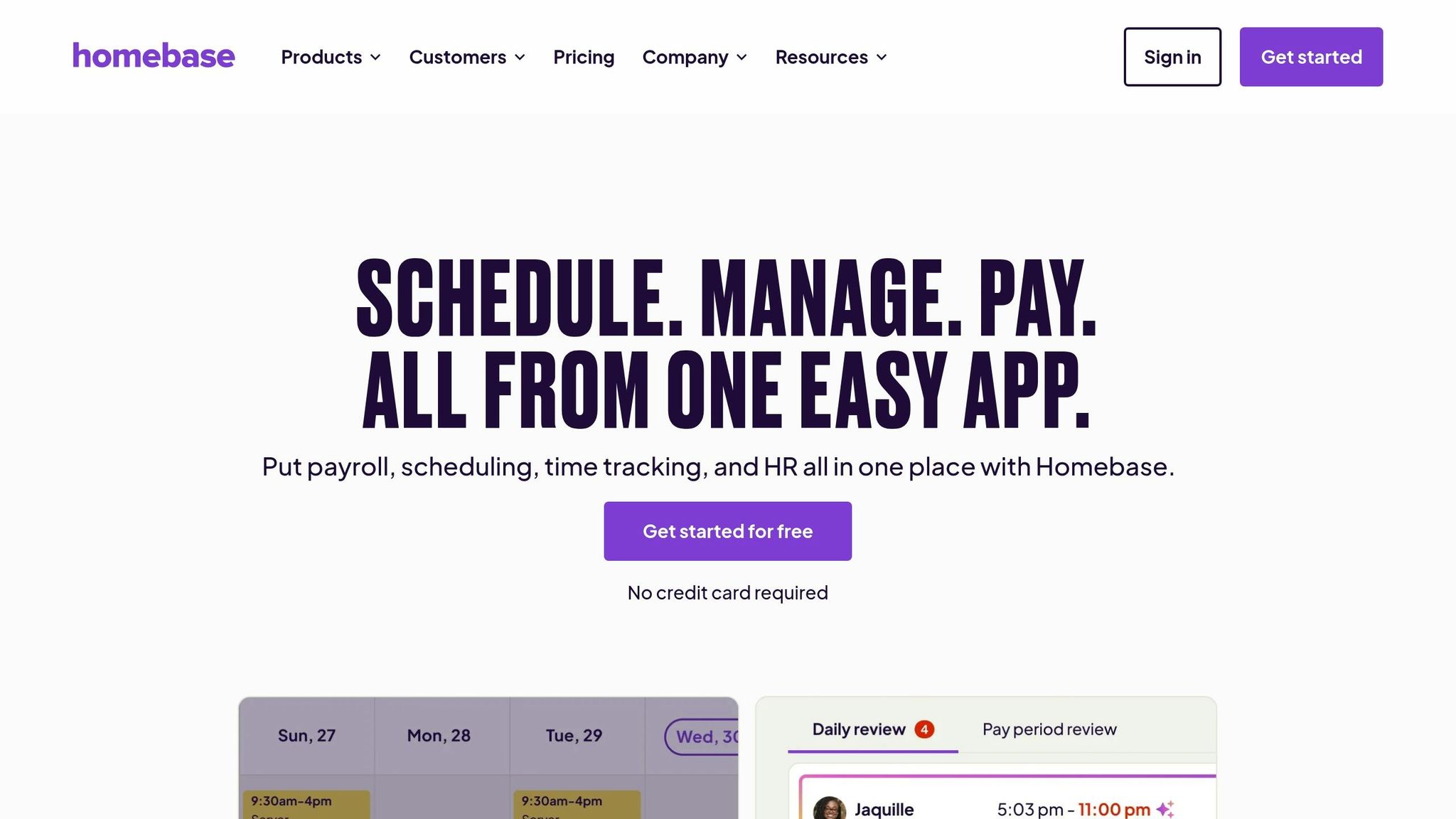
Let me tell you about Homebase, a platform that's become a go-to for small businesses managing hourly workers. With over 150,000 businesses and 3.5 million employees using it as of 2025, it’s clear they’ve carved out a solid spot in the market. And with a stellar 4.8/5 rating from more than 92,000 App Store reviews, it’s not hard to see why.
Clock-In Features
Homebase makes clocking in simple and secure. Employees use a unique PIN, and the system even snaps a photo at clock-in to prevent buddy punching. It works across tablets, smartphones, computers, and popular POS systems like Square, Clover, and Toast. And here’s a handy feature: if the internet goes down, the offline mode keeps tracking time and syncs it all up once the connection’s back. It’s a practical solution that helps businesses cut down on admin headaches and focus on what really matters.
Mobile Usability
The mobile app is packed with features that make life easier for both employees and managers. Employees can:
Get shift reminders
Swap shifts or request time off
Check their expected earnings
Managers, on the other hand, can approve requests, fix missed punches, and keep an eye on labor costs in real time. Roxana Rodriguez, the owner of RDR Hats, put it perfectly:
"Even when I'm not in the store, I can track my employees' hours. If someone forgets to clock in or out, I can fix it from my phone or computer, wherever I am."
GPS/Geofencing
Homebase also shines when it comes to managing field teams. Instead of constant tracking, it takes GPS snapshots at clock-in, clock-out, and during breaks. Managers can set geofence boundaries around job sites, and if someone tries to clock in outside those boundaries, the system sends an alert. It’s a smart way to keep things running smoothly while ensuring accurate payroll.
Payroll Integration
Speaking of payroll, Homebase integrates seamlessly with providers like Gusto, ADP, Paychex, and QuickBooks. If you want to keep it all in one place, there’s even a built-in payroll add-on for $39 per month plus $6 per active employee. It automatically compiles tracked hours, breaks, and overtime into payroll-ready reports. Edward Wang, a business owner, summed it up nicely:
"From clock-in to timesheets to payroll, everything runs seamlessly."
Pricing
Homebase offers a range of pricing options to fit different needs:
Basic Plan: Free for up to 20 employees per location
Essentials Plan: $24.95 per location per month, includes geofencing and advanced tracking
Plus Plan: $59.95 per location per month, adds AI-powered scheduling
Keep in mind, adding payroll or higher-tier features will increase the total cost. It’s a flexible system designed to grow with your business.
5. When I Work
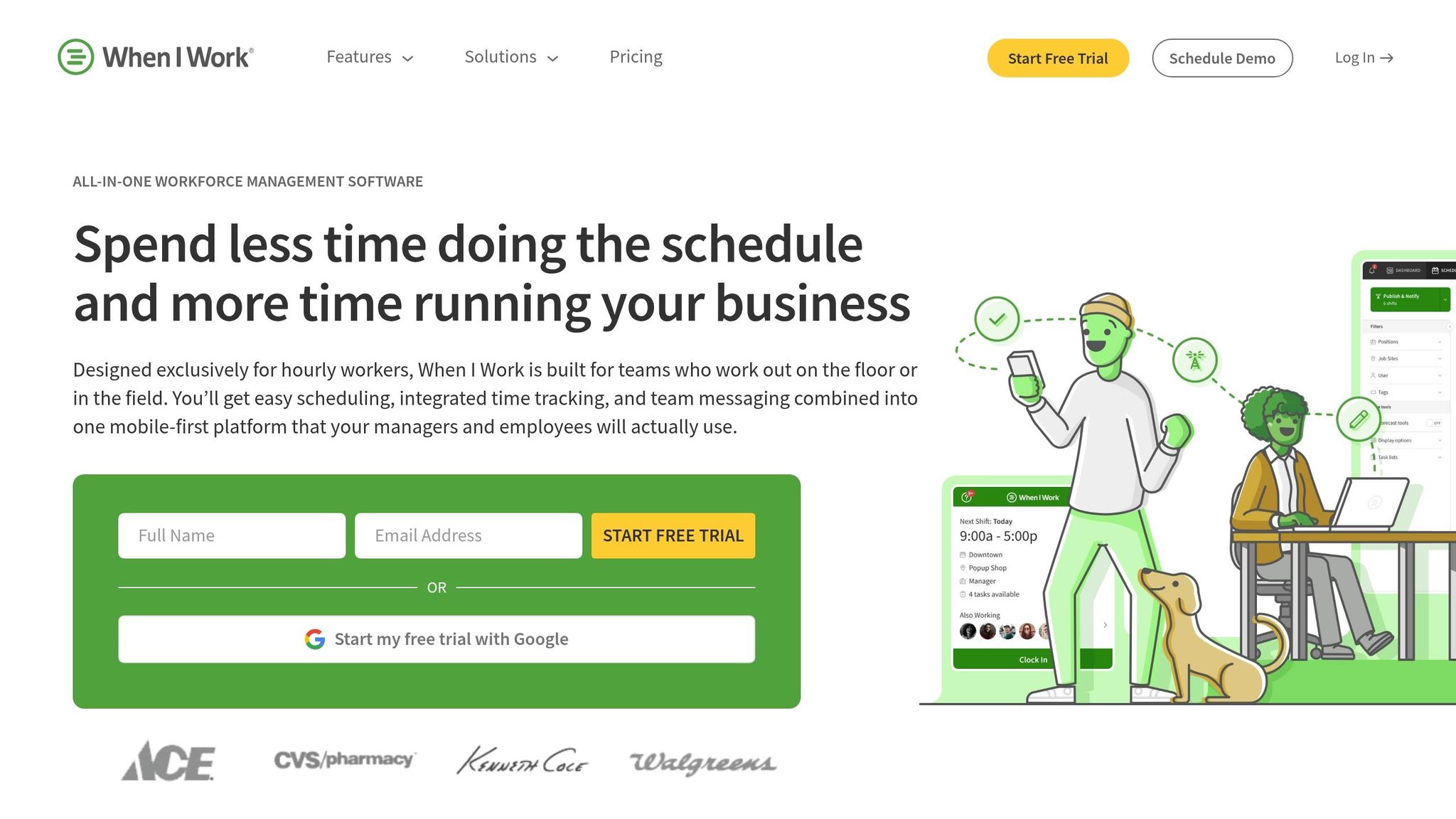
When I Work is tailored for shift-based teams like those in retail, food service, and healthcare. With over 84,000 reviews on the Apple App Store, it boasts an impressive 4.8/5 rating.
Clock-In Features
This platform offers multiple ways for employees to clock in: through the mobile app, a web browser, or a tablet kiosk. Each clock-in captures GPS data and a photo, which helps prevent buddy punching. It also automatically blocks early clock-ins and flags late arrivals. A standout perk is its On-Demand Pay feature, made possible through a partnership with Clair. This allows employees to access their earned wages before payday.
Mobile Usability
When I Work makes it easy for employees to manage their work lives on the go. They can view schedules, swap shifts, request time off, and message teammates directly from their phones. Managers, meanwhile, can approve timesheets, adjust schedules, and address coverage gaps - all without needing to sit at a desk.
One manager from 9Round Kickboxing Fitness shared:
"When I Work saves me around $200 a week in overtime. It's easy to run, understand, and implement, helping us streamline coverage for employee call-outs."
In fact, businesses using this tool often see up to a 20% reduction in labor costs, while managers report saving an average of 8 hours per week on payroll and scheduling tasks.
GPS/Geofencing
The geofencing feature ensures that employees can only clock in when they’re physically at the job site. This provides managers with real-time insights into who’s on-site. For teams with remote or field employees, managers can enable off-site clock-ins on a case-by-case basis.
Payroll Integration
When I Work integrates seamlessly with payroll systems like ADP, QuickBooks, Gusto, and Rippling. It syncs scheduled and actual hours, calculates varying pay rates, and simplifies payroll exports to just about a single click. However, keep in mind that time tracking is typically an add-on feature, costing $1.50 per employee per month on top of the base scheduling fee.
6. Jibble
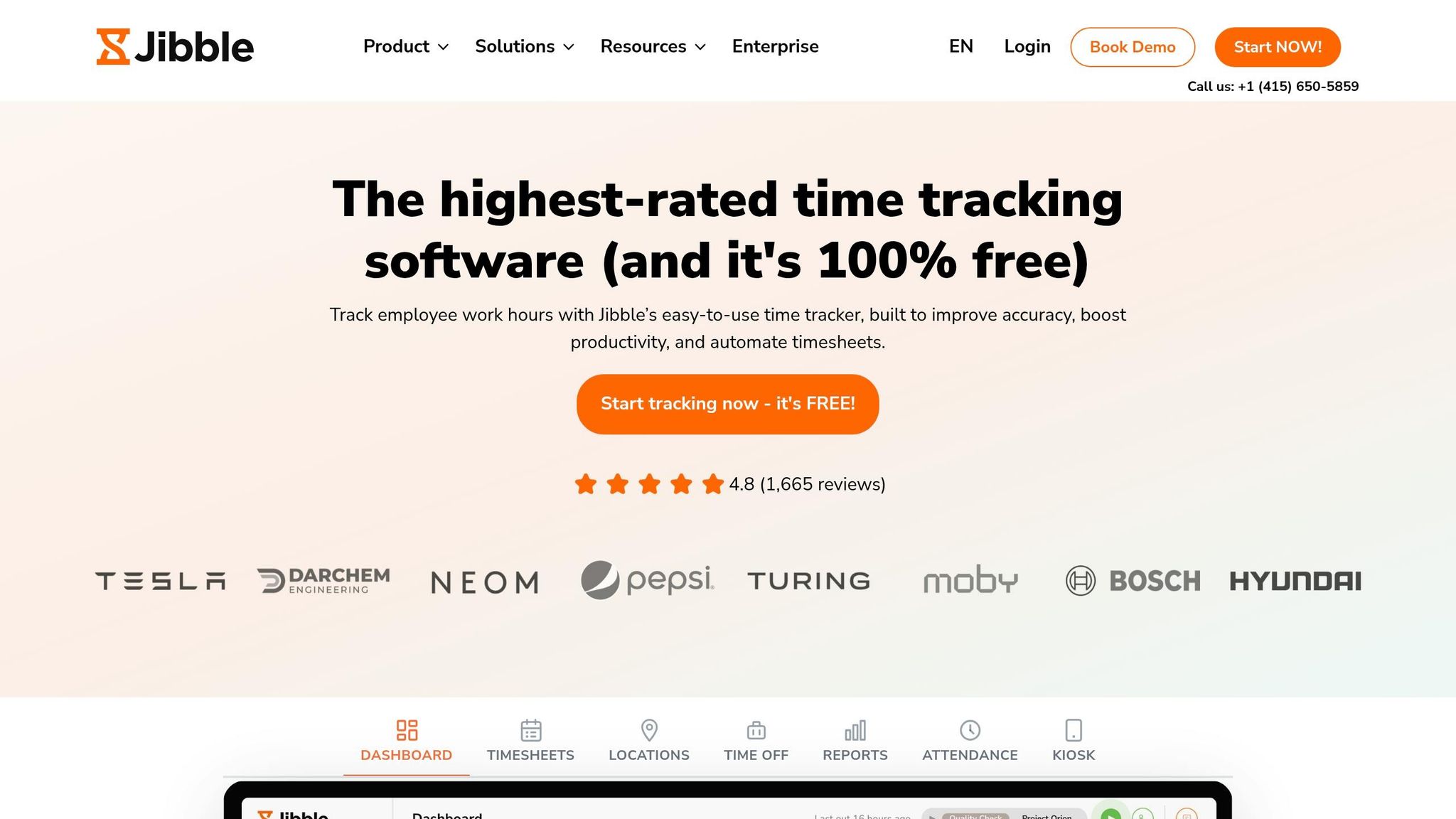
Jibble stands out with its biometric security and location tracking features, all without charging per-user fees. With over 100,000 businesses using it globally, the platform saw an impressive 61,031 new signups in just one month in early 2026. Clearly, it's gaining some serious momentum.
Clock-In Features
Jibble makes clocking in simple and flexible. Employees can clock in through mobile devices, the web, or even a shared tablet kiosk. Its AI-powered facial recognition - with anti-spoofing technology - stops buddy punching in its tracks. For those who prefer alternatives, the platform also supports PIN codes, NFC cards, and QR codes. High-traffic locations benefit from a Speed Mode on shared kiosks, ensuring employees can clock in quickly and keep things moving smoothly.
Mobile Usability
The mobile app, available for iOS and Android, ensures a seamless experience. Employees can even clock in directly through Slack or Microsoft Teams using straightforward commands.
"I love having the Slack integration so my team can quickly and easily Jibble in and out without opening their browser or accessing the site." - Aaron C, Client Services Director
Even in low-connectivity areas, offline syncing ensures attendance tracking stays uninterrupted.
GPS/Geofencing
Every clock-in is GPS-stamped, and managers can set up geofences to prevent clock-ins from unauthorized locations or enable automatic clock-ins when employees arrive on-site. A live map view provides real-time tracking of mobile teams, offering managers a clear picture of their workforce’s location.
"The geofencing feature ensures our remote team attendance from authorized locations only." - Jonathan R, Director, Management Consulting
These location-based tools make payroll integration a breeze.
Payroll Integration
Jibble simplifies payroll by automatically syncing attendance data into timesheets. Managers can review and approve entries before exporting them. The platform integrates with popular systems like Xero, QuickBooks, and Payroll Panda, while also offering XLS and CSV downloads for manual uploads. Amazingly, Jibble’s core plan - featuring GPS, biometrics, kiosk mode, and reporting - is free for unlimited users, a rarity in this field.
While Jibble delivers impressive biometric and location tools, Pebb takes it a step further. We provide a free all-in-one communication and time-tracking solution at an unbeatable $4 per user.
7. Gusto
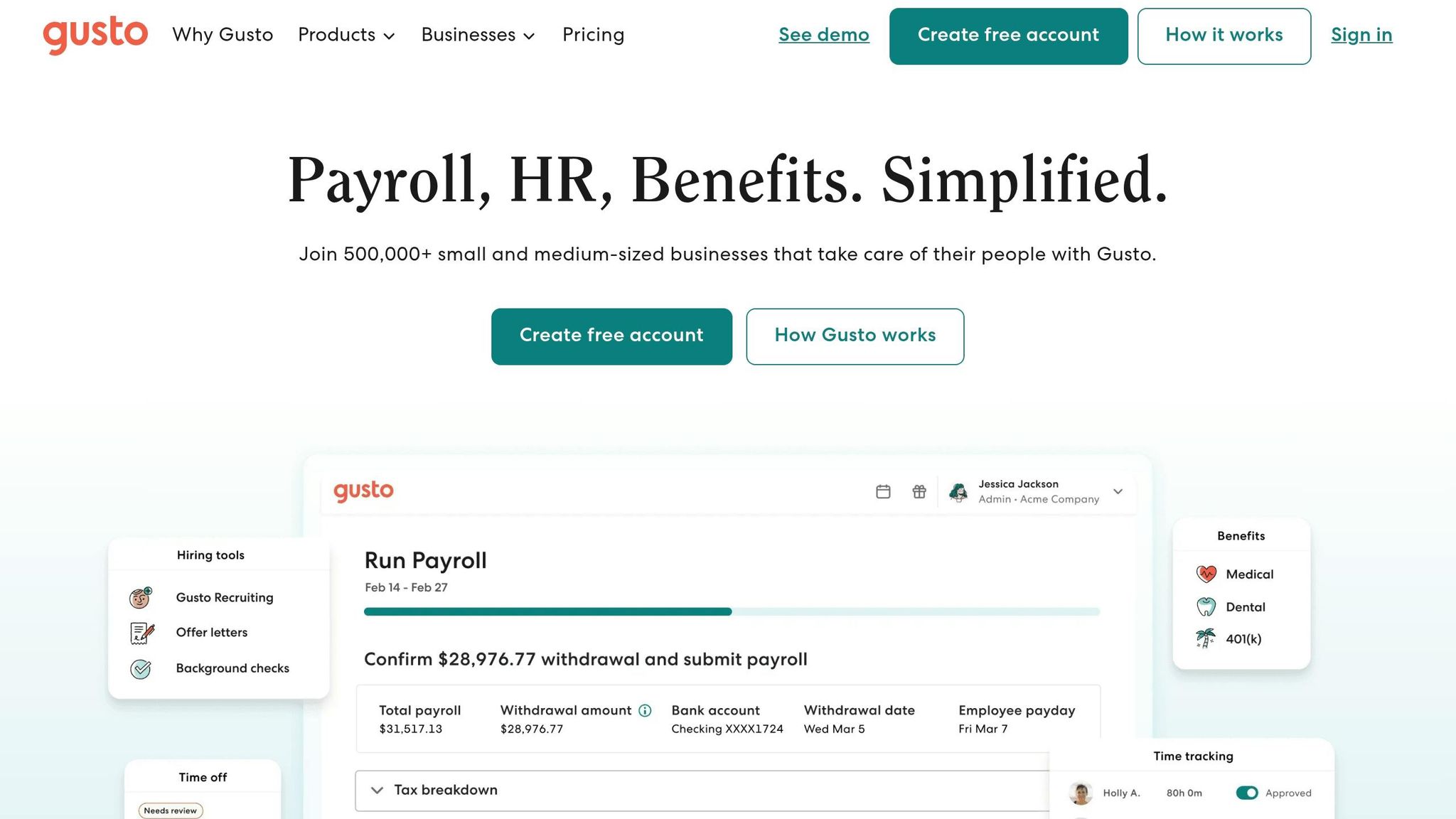
Let me tell you about Gusto - it’s primarily known as a payroll platform, but it has expanded to include a time-tracking feature that’s catching a lot of attention. With over 500,000 businesses using it today, it’s become a popular choice for small businesses looking to combine payroll and time tracking in one place. That said, while Gusto does a great job with payroll, Pebb takes a different approach by offering free communication and time-tracking features that cater to both office and frontline teams.
Clock-In Features
Gusto gives employees several ways to clock in: through a web browser, the mobile app, or even a shared kiosk on a tablet or laptop. One neat feature? The kiosk automatically tags each punch with the device name, so managers can see exactly where the clock-in happened. However, here’s the catch - time tracking is only available with the Plus plan, which costs $80/month + $12 per user/month. If you’re on the Simple plan (priced at $49/month + $6 per user/month), you’ll miss out on this feature.
Mobile Usability
Gusto’s mobile app is available for both iOS and Android, and it’s designed to make life easier for employees and managers alike. Employees can clock in with just one tap, check their hours, request PTO, and even view their paystubs. On the other hand, managers can approve timesheets while on the go. Kyle Koster, Founder of Range Leather Co., summed it up perfectly:
"The big benefit is that the Gusto app is super user friendly for our staff and they can see the time they've worked and then it saves a bunch of time by syncing the employee hours directly to payroll."
Another standout feature is Gusto’s focus on secure location tracking, which adds an extra layer of accountability.
GPS/Geofencing
For businesses that need precise location tracking, Gusto supports GPS-enabled clock-ins and even lets admins set up geofencing. This means employees can only punch in from approved locations. If you’re managing a physical job site, you can also lock clock-ins to a designated kiosk, ensuring accuracy. These features integrate smoothly with Gusto’s payroll system, which is a big plus for companies looking to streamline their processes.
Payroll Integration
Here’s where Gusto really shines: approved hours sync automatically to payroll. This eliminates the need for manual exports, which not only saves time but also reduces errors. The system handles overtime calculations, PTO accruals, and even state-specific break premiums. According to Gusto, customers save an average of 60 hours per year, and 88% say it helps them stay compliant with labor laws. Amy Potter from Swedemom Center of Giving shared her experience:
"Gusto is very simple. Being able to sync the time tracking directly to payroll so that you do not have to enter that information manually is a huge time saver."
If payroll accuracy is your top concern, Gusto is a solid choice. That said, it’s worth noting that Gusto doesn’t include biometric clock-in options like facial recognition, which could be a dealbreaker for some businesses. On the flip side, Pebb offers robust time tracking for free, plus an integrated communication suite to keep teams connected - something Gusto doesn’t offer. It’s all about finding what works best for your team’s unique needs.
Pros and Cons
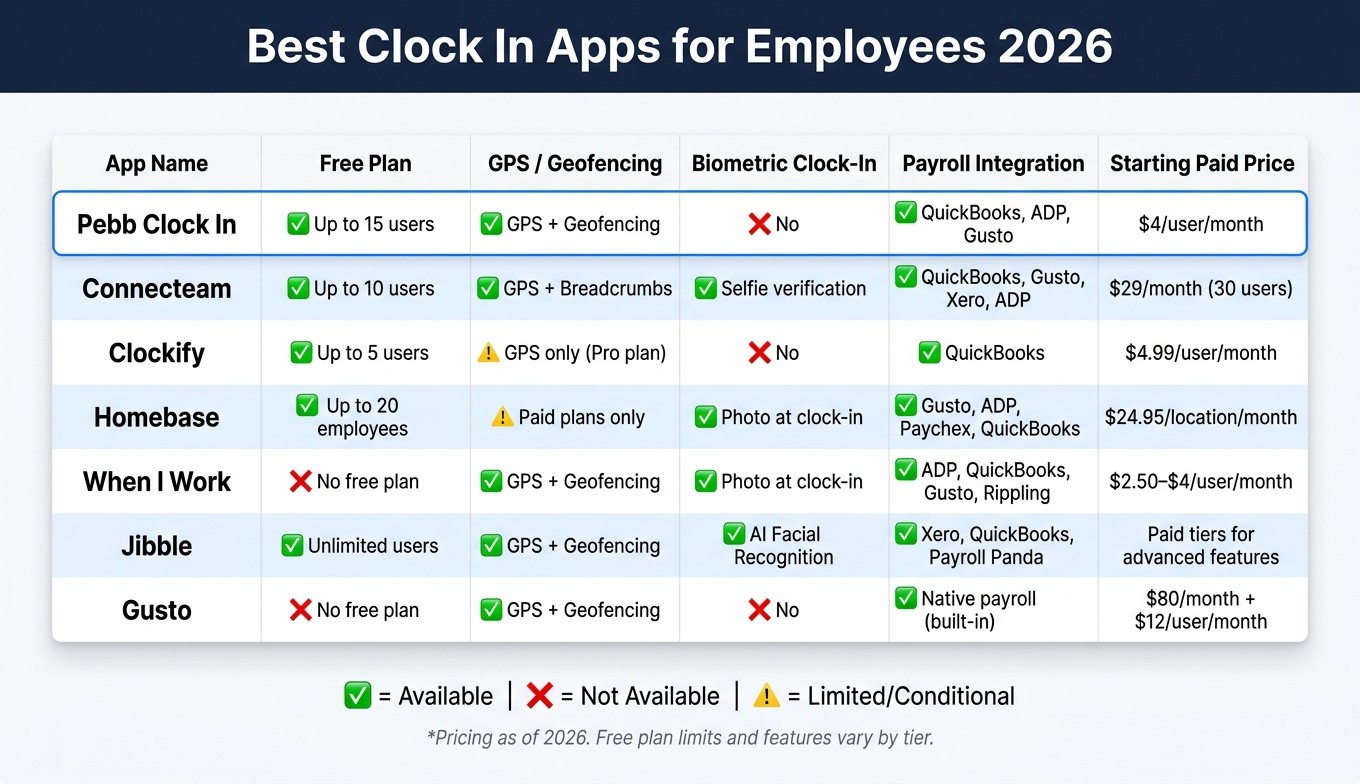
Best Clock In Apps for Employees 2026: Side-by-Side Comparison
Let me give you a clear breakdown of where each app excels and where it might not quite hit the mark. We’ve evaluated all seven tools using the same criteria, so you can easily compare them side by side.
App | Pros | Cons |
|---|---|---|
Pebb Clock In | - Free plan for up to 15 users | - No advanced biometric clock-in options like facial recognition |
Connecteam | - Designed specifically for deskless and field teams | - Can be overwhelming for smaller or simpler teams |
Clockify | - Free forever for unlimited users | - Advanced approvals and admin controls require paid tiers |
Homebase | - Free plan available for one location | - Free tier is restricted to a single location |
When I Work | - Excellent shift scheduling with auto-conflict detection | - Advanced scheduling features are locked behind higher-priced tiers |
Jibble | - Free for unlimited users on the core plan | - Mobile app can feel complicated for less tech-savvy users |
Gusto | - Native U.S. payroll with automated tax filings | - Time tracking is only available on higher-tier plans |
If you’re looking for an all-in-one clock-in and communication tool, Pebb Clock In is your go-to. Need precise payroll features? Gusto stands out. For teams in the field, Connecteam and Jibble offer excellent GPS tracking options. Whatever your needs, there’s a tool here that can fit your team perfectly.
Wrapping It Up
Finding the perfect clock-in app isn’t a one-size-fits-all deal. The best choice depends on your team’s size, work style, and the challenges you face daily. If you're after a platform that combines clock-ins, scheduling, and PTO management, Pebb offers a solid option with a free plan and a premium tier priced at just $4 per user per month. For payroll-focused needs, Gusto's seamless U.S. integration is tough to beat. Field teams might lean toward Connecteam or Jibble for their GPS features, while shift-heavy industries like retail and restaurants will appreciate the tailored tools from Homebase and When I Work. The key? Test your top picks in action to see which one clicks with your operations.
Here’s a common pitfall: choosing based solely on price. A 2023 Software Advice survey found that 43% of small businesses still rely on paper or spreadsheets for time tracking. That’s a lot of room for improvement! Before committing, try piloting your top two contenders with a small group for a couple of weeks. Run through everyday tasks like clocking in on a phone, swapping shifts, or approving timesheets. This hands-on test will reveal far more than any feature list ever could.
At the end of the day, the goal is simple: ditch manual tracking and make life easier for both your team and yourself.
FAQs
How do I choose the right clock-in app for my team?
To find the right clock-in app, it’s all about understanding what your team truly needs. For instance, retail teams often benefit from geofencing to ensure accuracy, while remote teams might lean towards apps with strong mobile functionality. That’s where Pebb comes in - it’s an all-in-one platform that covers clock-ins, scheduling, PTO management, and communication tools, all in one place. At just $4 per user for the Premium plan, it’s both affordable and efficient, removing the hassle of juggling multiple apps.
What’s the best way to stop buddy punching and time theft?
When it comes to stopping buddy punching and time theft, nothing beats a digital clock-in system with location-based tech. At Pebb, we tackle these problems head-on with GPS-enabled clock-ins and geofencing. Here’s how it works: employees can only clock in or out from approved work locations, making time fraud virtually impossible.
Not only does this give you real-time attendance tracking, but it also syncs effortlessly with scheduling and payroll systems. The result? Accurate time tracking you can rely on - without the headaches.
Will a clock-in app help with overtime and labor-law compliance?
Using a clock-in app like Pebb makes staying compliant with labor laws and managing overtime a breeze. It automatically tracks work hours, breaks, and overtime, cutting down on mistakes that often come with manual entry. What’s great is that Pebb tailors its rules to specific U.S. states - like California’s daily overtime regulations - and even flags potential issues, such as overlapping shifts. On top of that, it creates payroll-ready timesheets, ensuring accurate records and making sure employees are compensated correctly and within legal guidelines.
