

Author: Ron Daniel
The Best Apps Like WhatsApp for Business Communication
Compare top WhatsApp alternatives for workplace chat — features, security, pricing, and use cases to find the right business messaging app.
It’s funny - I used to think WhatsApp was the ultimate communication tool. It was quick, easy, and everyone had it. But the moment we tried using it for business at Pebb, things got messy fast. Group chats spiraled out of control, important updates got buried under GIFs, and keeping work separate from personal life? Forget it. It wasn’t long before we realized: WhatsApp just wasn’t built for the way businesses operate.
Here’s the thing: communication is the backbone of any successful team, but not all tools are created equal. WhatsApp might work for casual chats, but when it comes to managing teams, securing data, and staying organized, businesses need something more. That’s why we created Pebb - a platform designed to solve the exact problems we ran into. And we’re not the only ones looking for better options. Tools like Microsoft Teams, Slack, and Workvivo are all stepping up to fill the gaps WhatsApp leaves behind.
In this article, I’ll walk you through the best alternatives to WhatsApp for business communication, including why we built Pebb and how it compares to the competition. Whether you’re managing a small team or a global workforce, there’s a solution out there that can save you time, money, and a whole lot of headaches. Let’s dive in.
1. Pebb
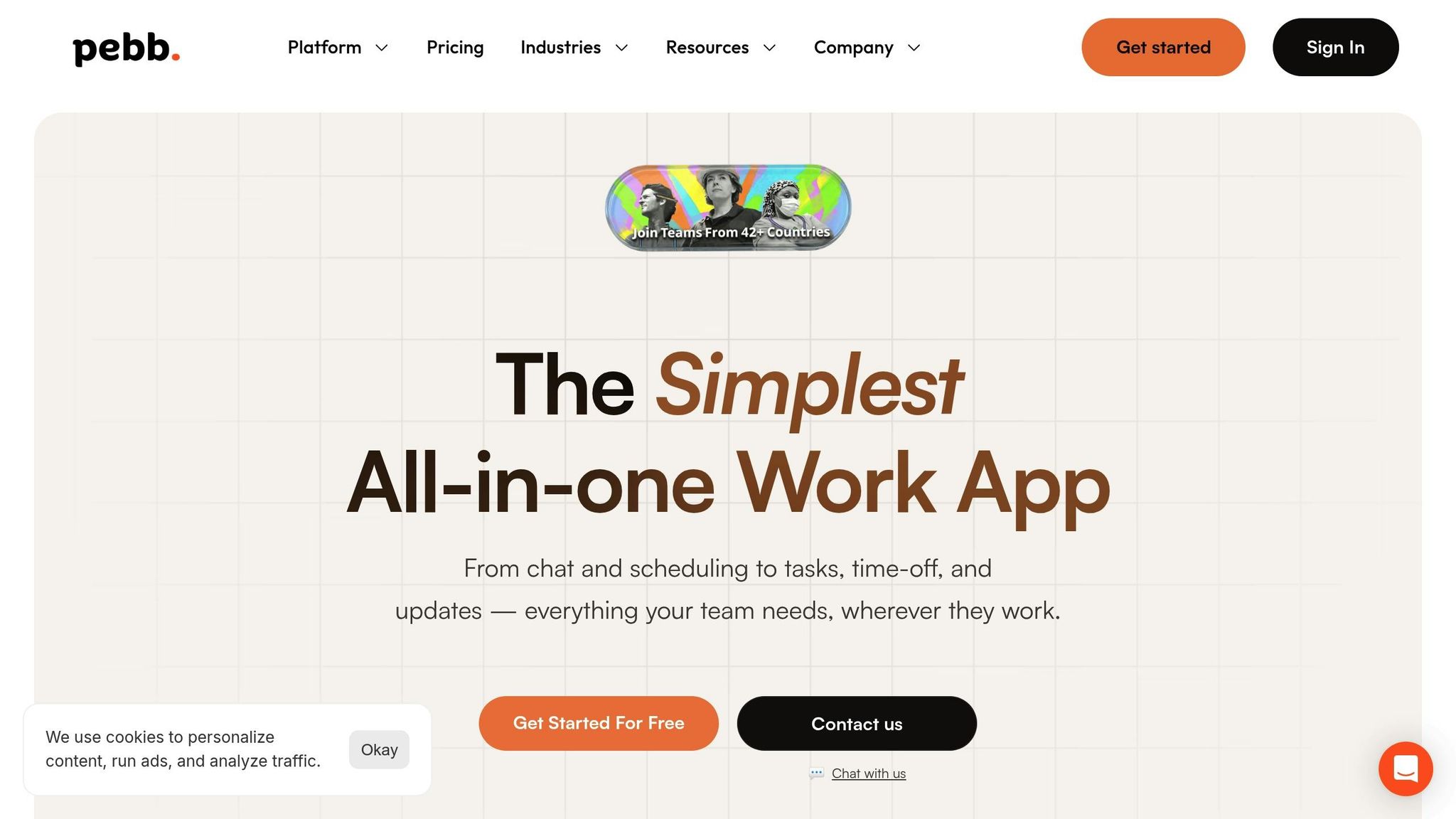
When we set out to create Pebb, the goal was simple: fix the gaps WhatsApp leaves behind for businesses. We wanted a single app that could bring frontline and office teams together seamlessly. The result? Pebb - an all-in-one employee app for communication and operations that keeps everyone connected and in sync, no matter where they’re working.
Features
Pebb is like having your entire workplace in your pocket. It packs everything your team needs into one easy-to-use platform:
Unlimited work chat with full message history
Voice and video calls
A live news feed for company updates
Shift scheduling and PTO management
Task assignments to keep everyone on track
A knowledge library for storing important documents
Digital forms, calendar events, and clock in tools for day-to-day operations
But that’s not all. Pebb also offers private clubs for team collaboration, an employee directory with powerful search tools, a shared calendar, photos, files and links, and engagement analytics to see what’s actually working. Whether your team is on the sales floor, in a warehouse, or working remotely, Pebb is accessible on mobile, web, and desktop - so no one’s ever out of the loop.
Security
Of course, all these features wouldn’t mean much without rock-solid security. That’s why we made sure Pebb delivers enterprise-grade encryption for all communications and data. With Enterprise Single Sign-On (SSO) and customizable permission settings, you’re in full control of who sees what. Plus, department-level controls and unlimited message history make audits a breeze. Unlike WhatsApp, which leaves IT teams worrying about data leaks, Pebb keeps everything within a secure, managed environment - no more relying on personal messaging apps for work.
Pricing
Here’s the best part: our Standard plan is completely free for teams of up to 15 employees. That includes work chat, the news feed, knowledge library, tasks, digital forms, calendar, clock in, shift scheduling, and PTO management.
Need more? The Premium plan is just $4 per user per month. It adds analytics, unlimited admins, permissions control, advanced work chat, advanced posts, voice and video calls, premium SLA support, integrations, and Enterprise SSO. No hidden fees, no surprises - just clear, budget-friendly pricing that works for your team.
2. Microsoft Teams
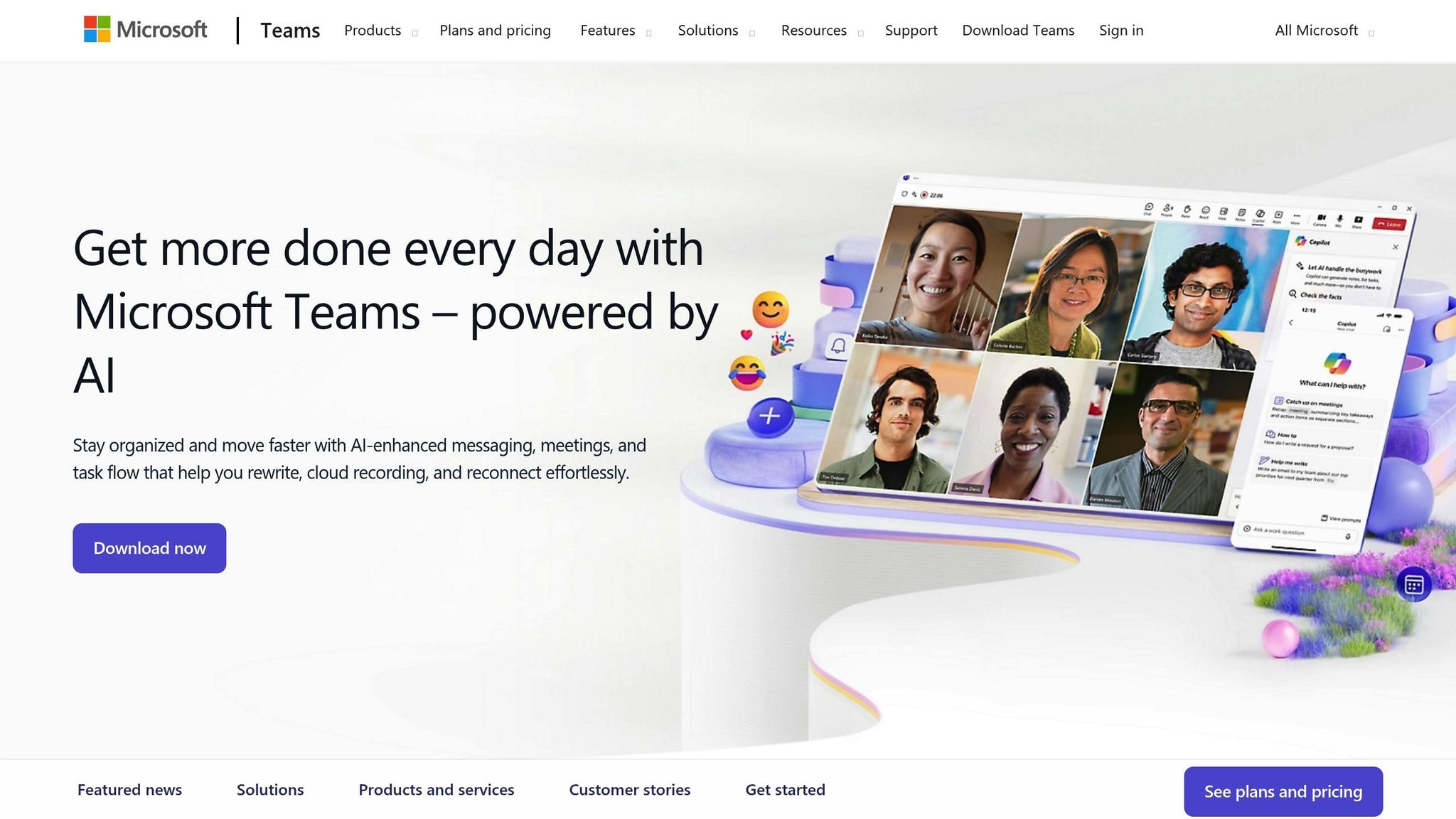
When it comes to workplace collaboration, Microsoft Teams is the go-to choice for organizations deeply tied to the Microsoft ecosystem. Unlike Pebb's all-in-one approach that caters to both frontline and office teams, Teams shines in environments where tools like Outlook, Word, Excel, and SharePoint are already part of the daily grind. If your company lives and breathes Microsoft 365, this platform fits like a glove.
Features
Microsoft Teams isn’t just about messaging - it’s a powerhouse of collaboration tools. You’ve got persistent chat, video conferencing, and real-time document collaboration all rolled into one. Conversations are neatly organized into “Teams” and “Channels,” keeping communication structured and easy to follow.
On the video conferencing front, Teams supports meetings with up to 300 participants. Features like noise suppression, breakout rooms, and live transcription take the experience up a notch. Back in March 2020, as remote work surged, Microsoft saw a staggering 1,000% increase in video meetings, with daily active users hitting 75 million by April that year. Need to address a larger audience? Teams allows live-streaming for up to 10,000 employees - or even 20,000 with an advanced license.
But the real magic lies in its integration with Microsoft 365. You can co-edit documents in real time and tap into a library of over 2,500 third-party apps, making it a one-stop shop for streamlining your workflows.
Security
Security is a top priority for Microsoft Teams. Data is encrypted both at rest and in transit, ensuring your information stays protected. Features like data loss prevention (DLP), sensitivity labels, and powerful admin controls help safeguard confidential data. Identity management is handled through Microsoft Entra ID, and malware scanning is powered by Microsoft Defender. Plus, Teams meets HIPAA and GDPR compliance standards on all paid plans, making it a solid choice for industries with strict regulations. Meeting organizers can control attendee privileges, eject disruptive participants, and block anonymous guests to keep sessions secure.
Scalability
For large organizations, Teams scales impressively, supporting up to 25,000 users per organization. However, there’s a catch: @mentions are limited in groups with more than 10,000 members. Still, the platform’s structured channel system keeps things organized, even in massive workspaces. As Katie Paterson from Zapier notes, “Teams tends to scale better in terms of user experience”.
Pricing
Microsoft Teams offers a range of pricing options to suit different needs:
Teams Essentials: $4.00/user/month
Business Basic: $6.00/user/month
Business Standard: $12.50/user/month
Enterprise Plans: Starting at $32.00/user/month (E3) and up to $57.00/user/month (E5)
For those looking to supercharge productivity, the Microsoft 365 Copilot add-on is available for $30.00/user/month. It brings AI-powered meeting summaries and workflow automation to the table.
With a 4.5/5 rating on Capterra based on over 10,000 reviews, Teams gets high marks for its seamless Microsoft integration. That said, some users find the administrative tools a bit overwhelming, and the interface can feel more complex compared to simpler alternatives.
Next up, we’ll dive into how Slack stacks up as a competitor in the business communication space.
3. Slack
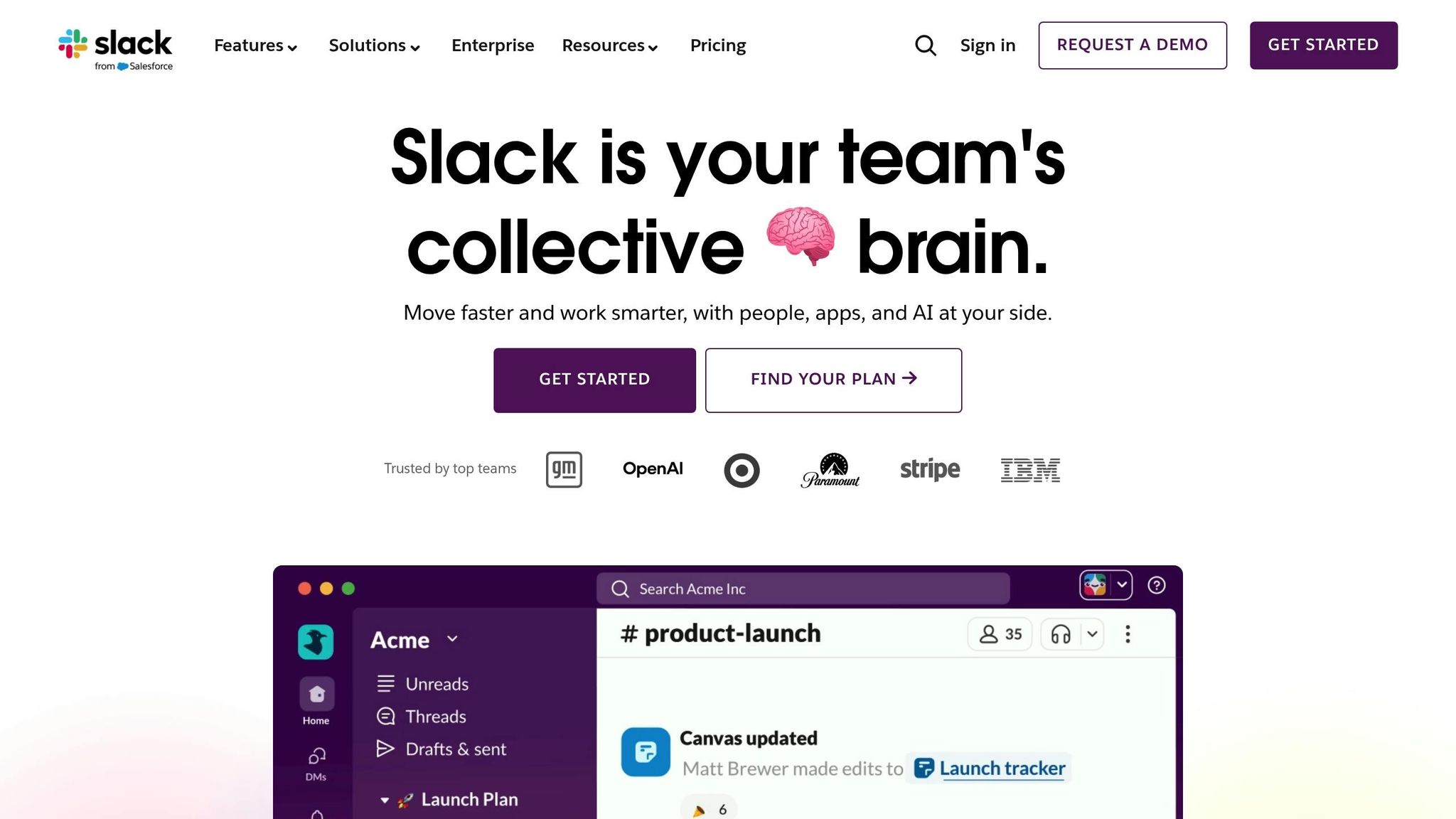
Slack takes team communication to another level by organizing conversations into structured channels. While Pebb offers an all-in-one solution at just $4 per user per month, Slack zeroes in on channel-based organization and a vast ecosystem of integrations. If your team already relies on tools like Salesforce, Google Drive, or Jira, Slack’s ability to bring everything under one digital roof can be a game changer. Let’s break down how Slack’s features, security measures, scalability, and pricing stack up for business communication.
Features
Slack stands apart from platforms like WhatsApp by structuring conversations into channels dedicated to specific projects, teams, or topics. This setup not only keeps discussions focused but also makes it easier to find information when you need it most. For external collaborations, Slack Connect allows secure interaction with clients and partners, eliminating the chaos of juggling multiple WhatsApp groups.
For teams spread across time zones, Slack’s asynchronous tools shine. Features like Clips (for audio/video recordings) and Canvas (shared documents) let everyone contribute on their own schedule. On top of that, the Workflow Builder automates repetitive tasks - think onboarding or approval processes - without requiring any coding skills. Slack AI steps in to summarize conversations and deliver daily recaps, keeping everyone in the loop.
The results speak for themselves: 85% of users report improved communication, and teams have seen a 47% boost in productivity. With over 2,600 third-party integrations to choose from, Slack fits seamlessly into just about any workflow. As Brad Lightcap, COO of OpenAI, put it:
"Slack is central to how our company collaborates, for increasing velocity, and is integral to building with our customers. We use Slack every day".
Security
Slack doesn’t just stop at features - it takes security seriously. By default, your data is encrypted both at rest and in transit. For industries with strict regulations, the Enterprise Key Management (EKM) add-on lets you control encryption keys via AWS KMS. The platform also includes built-in Data Loss Prevention (DLP) to safeguard sensitive information. Identity management is streamlined with Single Sign-On (SSO) support for providers like Okta and Azure, along with SCIM provisioning for automated user management.
Slack meets key compliance standards, including SOC 2, ISO/IEC 27001, and GDPR, and can even be configured for HIPAA and FINRA. As Chanyu Xu, Founder of HER ONE, explains:
"As a founder and CEO, it's important to know that our data and information are secure. That's why we chose Slack".
One of Slack's standout advantages is its immunity to external spam or phishing. Unlike email, Slack messages come only from within your organization or trusted Slack Connect partners, adding an extra layer of security.
Scalability
Whether you’re a small startup or a global enterprise, Slack scales effortlessly to meet your needs. Slack Connect enables collaboration with up to 250 organizations in a single channel. And with over 2,600 third-party integrations available, businesses can tailor the platform as they grow. The numbers are impressive too - technical teams have reported a 338% return on investment and $2.1 million in productivity savings over three years. Plus, Slack’s billing model is refreshingly fair: you’re only charged for active users, with prorated credits for inactive members.
Pricing
Slack’s pricing is designed to accommodate businesses of all sizes:
Free: $0/month – Includes 90 days of message history, 10 integrations, and 1:1 huddles.
Pro: $7.25 per user/month (annual billing) or $8.75 per user/month (monthly billing) – Offers unlimited message history, unlimited integrations, and group huddles.
Business+: $15.00 per user/month (annual billing) or $18.00 per user/month (monthly billing) – Adds advanced features like SAML-based SSO, SCIM provisioning, and data exports.
Enterprise+: Contact sales – Designed for large organizations with unlimited workspaces and advanced compliance support (including HIPAA).
As of early 2026, Slack is running a promotion: 50% off for the first three months on Pro and Business+ plans for eligible new teams. While Slack’s pricing is flexible, it’s worth noting that Pebb offers a free standard plan with robust features and a premium option for just $4 per user per month. With a 4.7/5 rating on Capterra based on 23,825 reviews, users frequently praise Slack’s intuitive design and integration capabilities. However, some common complaints include notification overload if not carefully managed and the 90-day message history limit on the free plan, which can be a hurdle for growing teams.
Next, we’ll dive into how Staffbase approaches business communication, particularly for frontline workers.
4. Staffbase
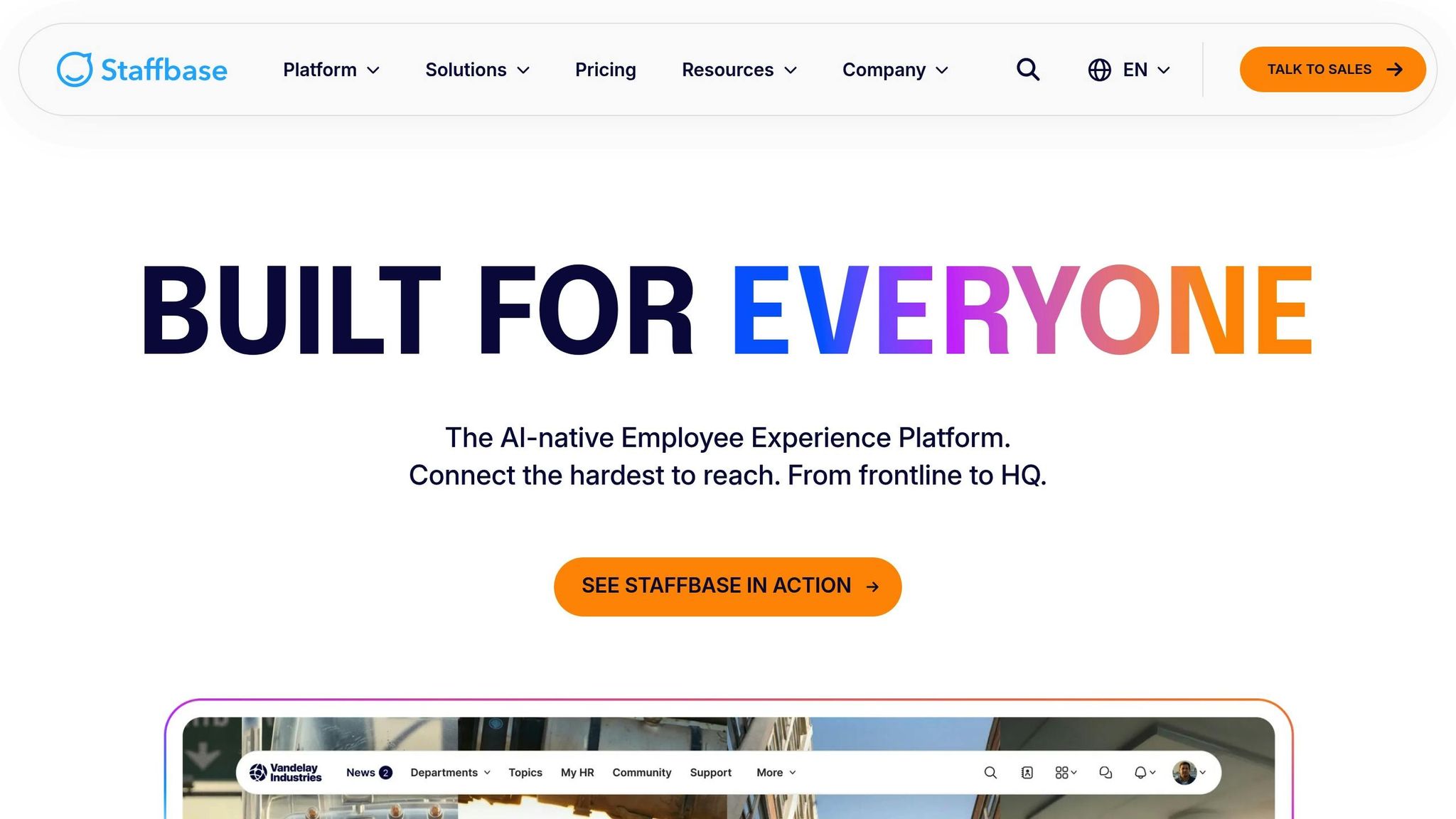
Staffbase is a platform built specifically to streamline internal communication within organizations. While Pebb takes pride in offering an all-in-one employee app for communication and operations - think work chat, news feeds, scheduling, tasks, forms, and more - Staffbase carves out its niche by focusing on a mobile-first experience designed for team communication on the go.
Features
One of the standout aspects of Staffbase is its branded, mobile-optimized communication app. This tool is perfect for delivering timely company updates and encouraging interactive engagement with employees. While Pebb provides a more integrated solution that combines multiple tools in one place, Staffbase zeroes in on making communication seamless for employees who are constantly on the move.
Security
When it comes to security, Staffbase doesn’t cut corners. It offers end-to-end encryption, multi-factor authentication, and secure file sharing to ensure compliance with GDPR standards. Pebb, on the other hand, takes a broader approach with its security features, tailoring them specifically to meet the varied needs of businesses.
Scalability
Staffbase is designed to handle the demands of large-scale organizations, offering the flexibility to grow with your business. Pebb, however, provides a more budget-friendly scalable model. For example, it offers a free plan for smaller teams and a premium option priced at just $4 per user/month, giving access to its full suite of features.
Pricing
Staffbase operates on a custom pricing model, which means you’ll need to get in touch for a quote tailored to your organization. In contrast, Pebb keeps things simple and transparent: a free plan for small teams and an affordable premium plan at $4 per user/month. Up next, we’ll take a closer look at how Workvivo approaches employee communication and engagement.
5. Workvivo
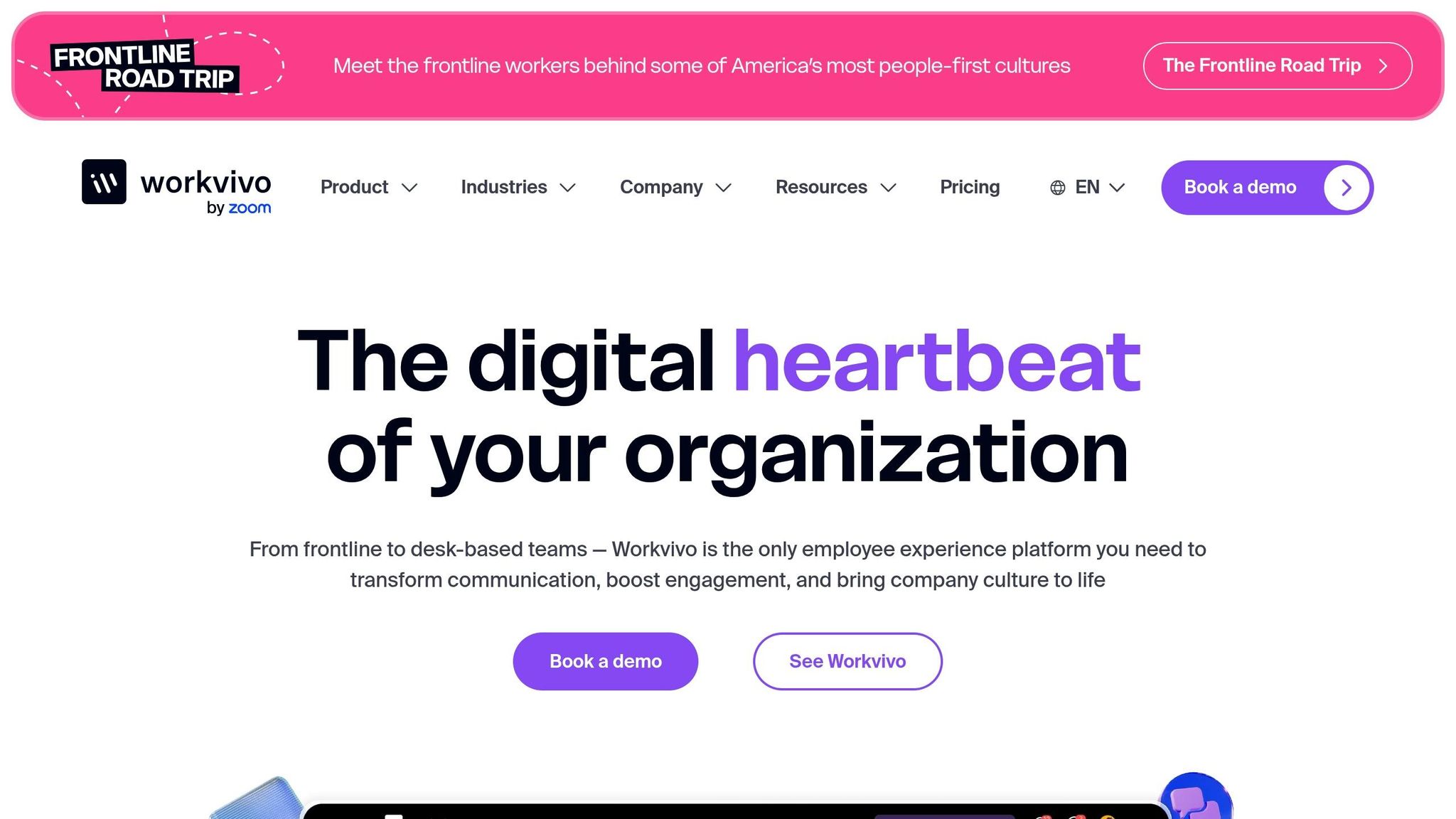
Workvivo describes itself as a social intranet designed to put employee engagement front and center. While Pebb takes an all-in-one approach, Workvivo leans heavily into social connection and culture-building, particularly for large, dispersed teams. Let me walk you through what makes Workvivo stand out.
Features
Workvivo acts as a central communication hub, designed with a mobile-first mindset. This makes it especially handy for industries like retail, manufacturing, and healthcare, where frontline workers are often on the go. It includes tools like public forums for employee recognition, pulse surveys to gather insights, and even an AI-powered content creation tool to streamline communication efforts.
Here’s an interesting stat: 92% of teams struggle to prove ROI when it comes to engagement tools. Workvivo tackles this head-on with employee listening features, helping leaders tap into real feedback from their teams. On top of that, its social features and recognition programs aim to build a stronger emotional connection between employees and their organizations. It’s clear that Workvivo is built with large-scale operations in mind.
Scalability
Speaking of scale, Workvivo can handle workforces of over 20,000 employees globally. A great example is Welcome Break, which uses Workvivo to manage communication for its 6,000+ staff members. That’s impressive, no doubt, but here’s where Pebb takes a different path. With its free plan, Pebb is perfect for smaller teams, and its premium plan, priced at just $4 per user/month, delivers a full suite of features without the hefty enterprise price tag.
Pricing
Workvivo doesn’t display its pricing upfront; instead, it relies on a custom pricing model where clients need to reach out for a quote. Pebb, on the other hand, keeps things straightforward with transparent pricing at $4 per user/month. No surprises, no hidden fees - just simple, accessible options.
6. Simpplr
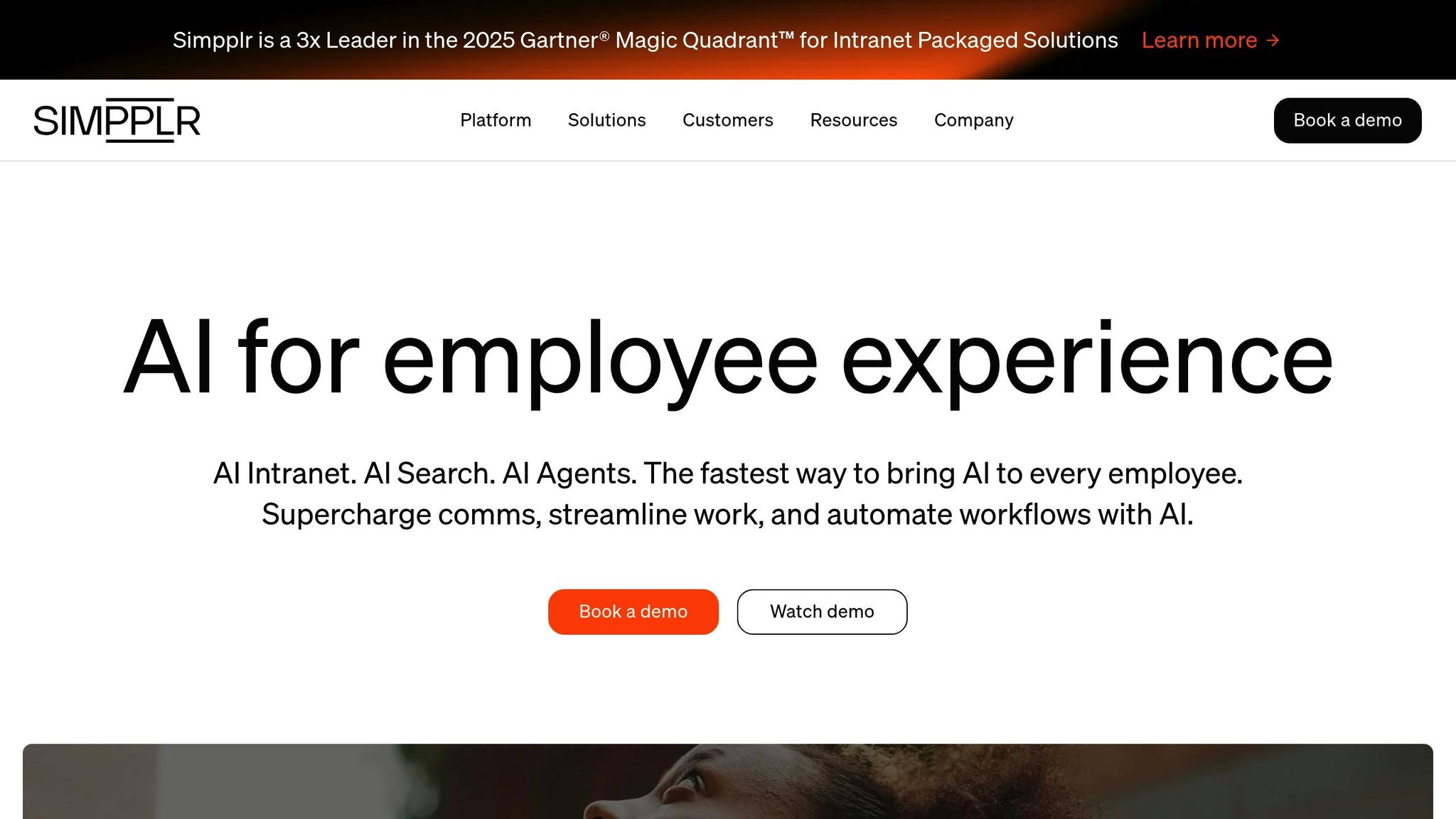
Simpplr is an intranet platform designed to improve how employees connect and communicate within a company. Instead of focusing on messaging alone, Simpplr aims to create a centralized hub for employee engagement.
Features
Simpplr sets itself apart by prioritizing internal communications and employee experience. It offers tools like intranets and editorial calendars - features you won't find in consumer apps like WhatsApp. While platforms like Pebb bring together chat, news feeds, scheduling, and more into one place, Simpplr zeroes in on creating a unified space for engagement. What distinguishes Pebb, however, is its focus on affordability and straightforward pricing, making it accessible to businesses with up to 15 employees on the free plan.
Pricing
Simpplr operates on a custom quote basis, which is typical for enterprise-level platforms. However, this approach can be a hurdle for smaller businesses trying to plan their budgets. Pebb, on the other hand, keeps things simple with transparent pricing: a free plan and a premium option at just $4 per user/month.
Pros and Cons
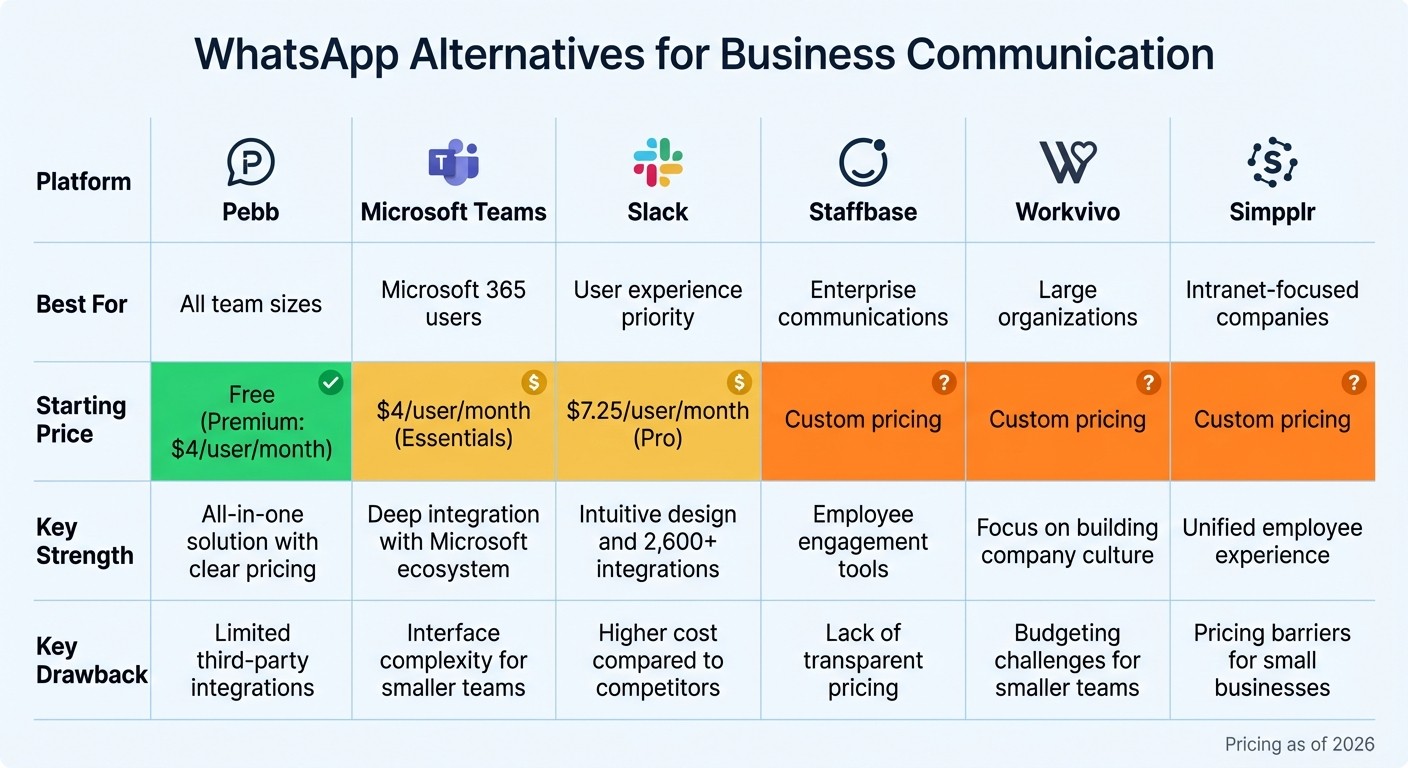
WhatsApp Alternatives for Business: Feature and Pricing Comparison
After diving into the features and security measures earlier, let me break things down into a simple, side-by-side comparison. Here's a quick look at the strengths and challenges of each platform.
Pebb stands out as an all-in-one employee app for communication and operations that’s free for teams of up to 15 users, with a premium plan priced at just $4 per user per month. It’s packed with tools like work chat, news feeds, shift scheduling, PTO management, tasks, digital forms, clock in, and voice and video calls - all seamlessly connected. That said, its library of third-party integrations is still a work in progress.
Microsoft Teams is a no-brainer for companies already using Microsoft 365, as it’s included in most business plans. With support for around 2,500 integrations and over 320 million monthly active users, it’s built for scalability. However, its interface can feel a bit overwhelming, especially for smaller teams.
Slack is all about ease of use and flexibility. With approximately 38.8 million daily active users and over 2,600 third-party integrations, it’s designed for quick adoption and seamless collaboration. The downside? Its pricing - starting at $7.25 per user per month for Pro and $15 per user per month for Business+ - can make it a costly choice for growing businesses.
Staffbase, Workvivo, and Simpplr cater to large enterprises focused on employee engagement and internal communication. They’re excellent for creating a unified employee experience across distributed teams. However, their custom pricing structures can make budgeting unpredictable, and they may not provide the chat-first experience that teams switching from platforms like WhatsApp often expect.
Platform | Best For | Starting Price | Key Strength | Key Drawback |
|---|---|---|---|---|
Pebb | All team sizes | Free (Premium: $4/user/month) | All-in-one solution with clear pricing | Limited third-party integrations |
Microsoft Teams | Microsoft 365 users | $4/user/month (Essentials) | Deep integration with Microsoft ecosystem | Interface complexity for smaller teams |
Slack | User experience priority | $7.25/user/month (Pro) | Intuitive design and 2,600+ integrations | Higher cost compared to competitors |
Staffbase | Enterprise communications | Custom pricing | Employee engagement tools | Lack of transparent pricing |
Workvivo | Large organizations | Custom pricing | Focus on building company culture | Budgeting challenges for smaller teams |
Simpplr | Intranet-focused companies | Custom pricing | Unified employee experience | Pricing barriers for small businesses |
Each platform has its strengths, so the right choice really depends on your team's size, budget, and specific needs. Whether you're after seamless integration, ease of use, or robust engagement tools, there’s something here for everyone.
Conclusion
Over time, I’ve seen how competitors in the market bring impressive features to the table - but they often come with a hefty price tag or layers of complexity that can leave teams feeling overwhelmed. That’s where Pebb steps in, cutting through the noise with a platform that’s both straightforward and easy to navigate.
Here’s what I’ve learned: businesses thrive when they have access to tools that are affordable, intuitive, and all-in-one. That’s exactly why we built Pebb to combine work chat, news feeds, shift scheduling, PTO management, tasks, digital forms, clock in, voice and video calls, and more - all in one place. No more juggling multiple apps, no surprise fees, and certainly no headaches.
Sure, other platforms have their strengths, but very few offer the balance of simplicity and value that Pebb does. Take WhatsApp, for instance - it’s great for casual communication, but it lacks the structure and controls that businesses need to operate efficiently. Pebb, on the other hand, delivers enterprise-level security, a full suite of features, and pricing that’s refreshingly transparent: just $4 per user each month.
If you’re looking for a solution that’s easy on the budget and connects every team member seamlessly - whether they’re at a desk or out in the field - Pebb has you covered. It’s simple, effective, and built for businesses of all sizes.
FAQs
Why is Pebb a better option for business communication compared to WhatsApp?
Pebb is specifically crafted for workplace communication and operations, offering an all-in-one employee app that checks off the key needs of modern businesses. While WhatsApp shines in personal messaging, Pebb steps into the professional realm with features like work chat, news feeds, shift scheduling, PTO management, tasks, digital forms, clock in, and even voice and video calls - all for an accessible price of $4 per user.
What sets Pebb apart is its enterprise-grade security, unlimited message history, and robust compliance features, giving businesses the confidence that their communication is both secure and scalable. By focusing on employee engagement, seamless collaboration, and operational efficiency, Pebb delivers a professional, budget-friendly solution that caters to companies of all sizes.
How does Pebb protect business data and ensure privacy?
When it comes to data security and privacy, we don’t mess around at Pebb. We’ve built our platform with advanced protections to keep your information safe at every step. For starters, all data in transit is secured using TLS/SSL encryption, while sensitive information - like your messages, files, and calls - is protected with AES-256 encryption, one of the strongest standards out there.
We’ve also implemented role-based access controls to ensure that only the right people have access to specific data. This adds an extra layer of protection and helps minimize potential risks.
Security isn’t just an afterthought for us - it’s baked into everything we do. By continuously fortifying our systems, we help safeguard your business communications and organizational data from breaches, giving your team the confidence to focus on what really matters.
What features are included in Pebb's free plan, and how does it compare to the premium plan?
Pebb's free plan packs in an impressive lineup of features that cover all the basics for team communication and collaboration. We're talking unlimited work chat, a news feed where posts and likes keep everyone in the loop, a knowledge library for easy access to shared resources, a calendar to stay organized, plus tasks, digital forms, clock in, shift scheduling, PTO management, apps, spaces, teams, and branches. It’s everything frontline and office teams need to stay connected and productive - without spending a dime.
Now, if you’re ready to take things up a notch, the premium plan is where the magic happens. At just $4 per user, it adds some serious upgrades: voice and video calls for seamless communication, detailed analytics to track progress and insights, advanced work chat, advanced posts, permissions control, integrations, and Enterprise SSO to streamline workflows. It’s a budget-friendly way for businesses to scale up and keep their teams engaged without blowing through their budget.
